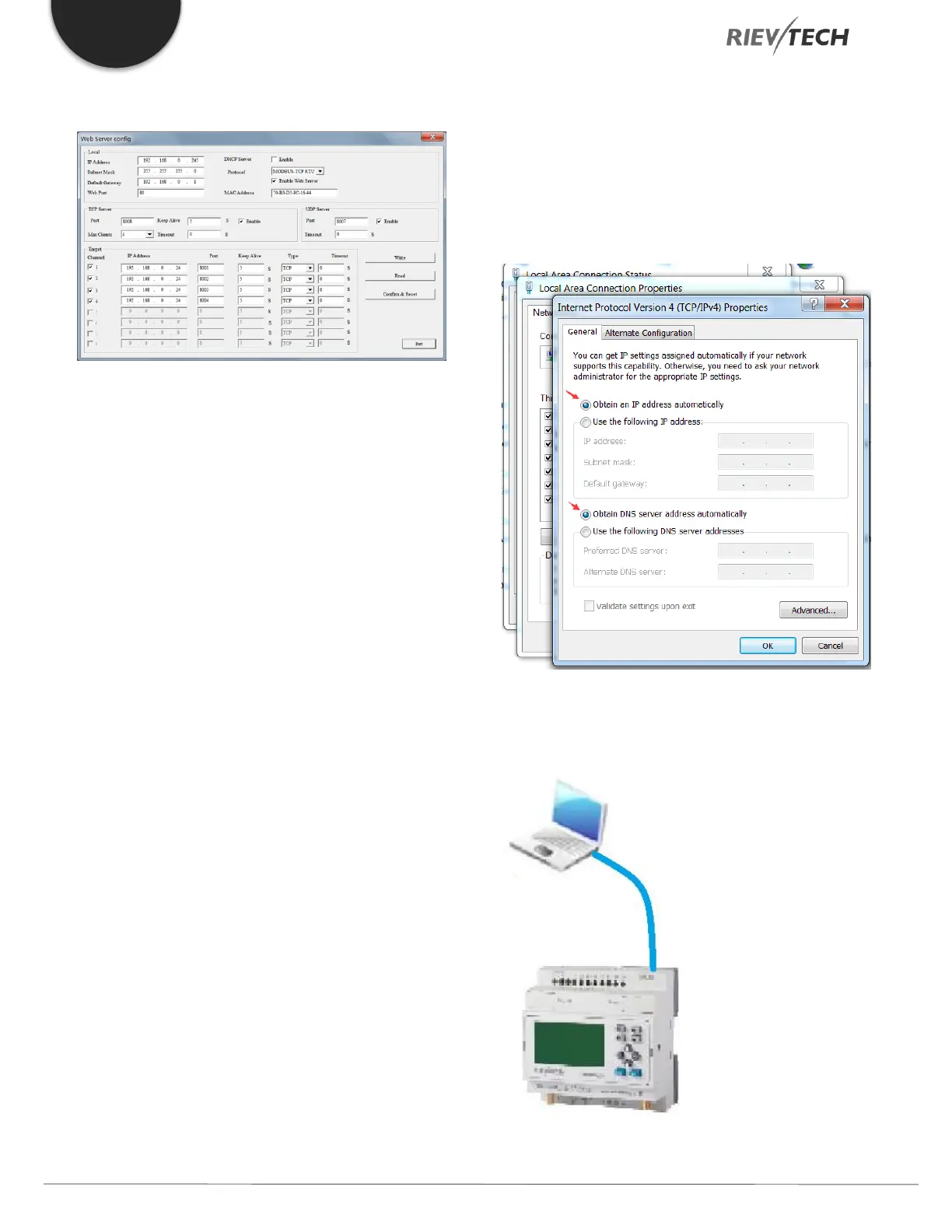
The default CPU Ethernet settings are:
Resetting WIFI CPU to Defaults
Our WIFI CPUs can be reset to factory defaults using a
standard web browser as follows.
1. Configure the IP settings of your PCs Ethernet
connection to automatically obtain an IP address:
2. Connect the PC to the RJ45 connection on the
WIFI CPU using an Ethernet Crossover cable:



 To Next Page