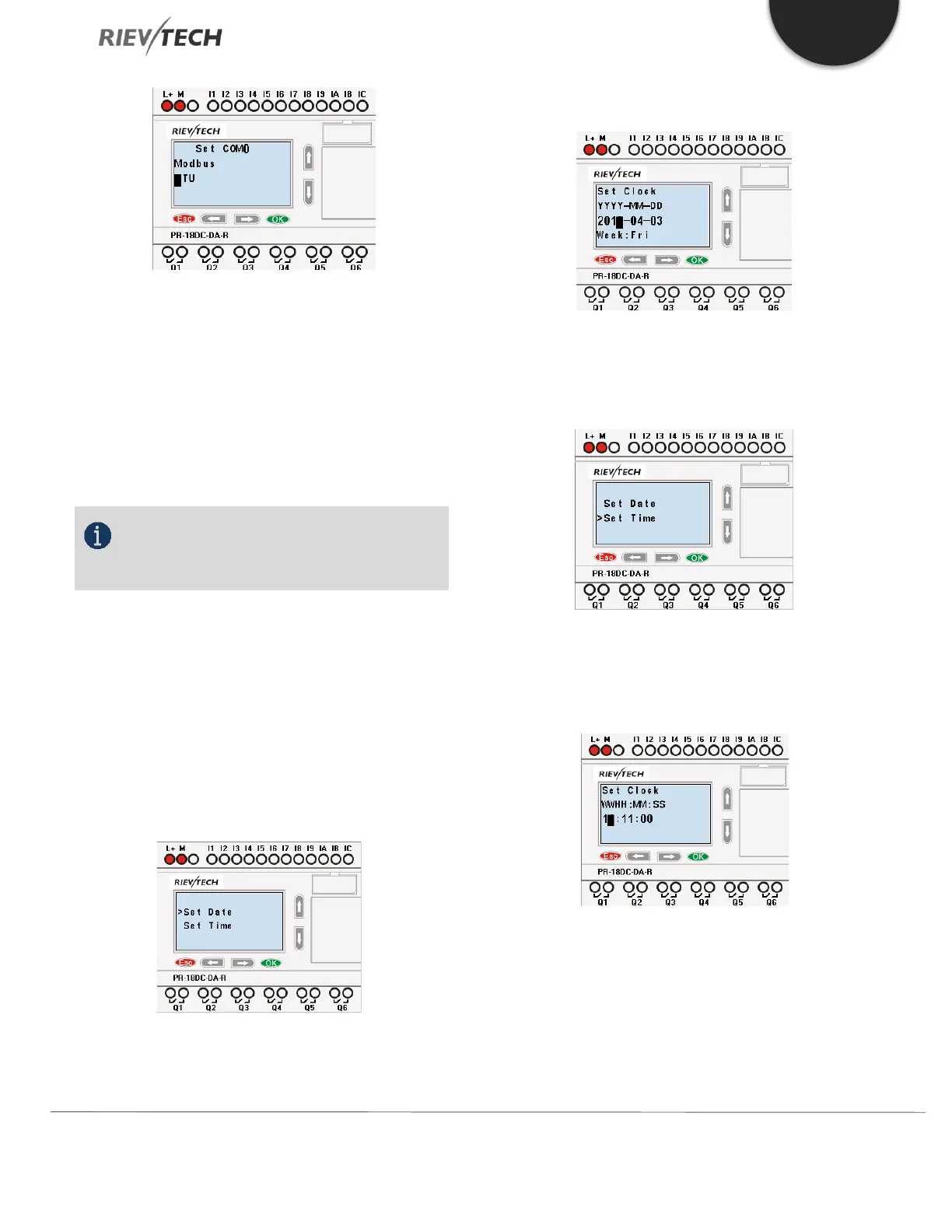
Figure 34 Set Modbus Port
Change with the Up and Down keys and confirm with
"OK"
There are 4 options available: RTU, ASCII, TCP RTU, TCP
ASCII.
NOTICE:
If you want to use the Modbus TCP protocol,
select the "TCP RTU".
5.4.8. Setting System Date and Time
You should first select the FUNCTION PAGE. (see 15.1)
1. Move the cursor to “Clock” by pressing “UP” or
“DOWN” key.
2. Confirm “Clock”: Press OK key.
Figure 35 Set Date and Time
Press OK key to set and modify date.
Press “UP” or “DOWN” key to change the date to what
you want to set. After you have finished your setting,
press OK key to return to Date/Time menu.
To set the time, move the cursor to” Set Time” menu, then
press the OK key.
Here you can set the weekday (From Monday to Sunday)
and the clock. The method is setting the time. After
completion of your setup, press OK key:



 To Next Page