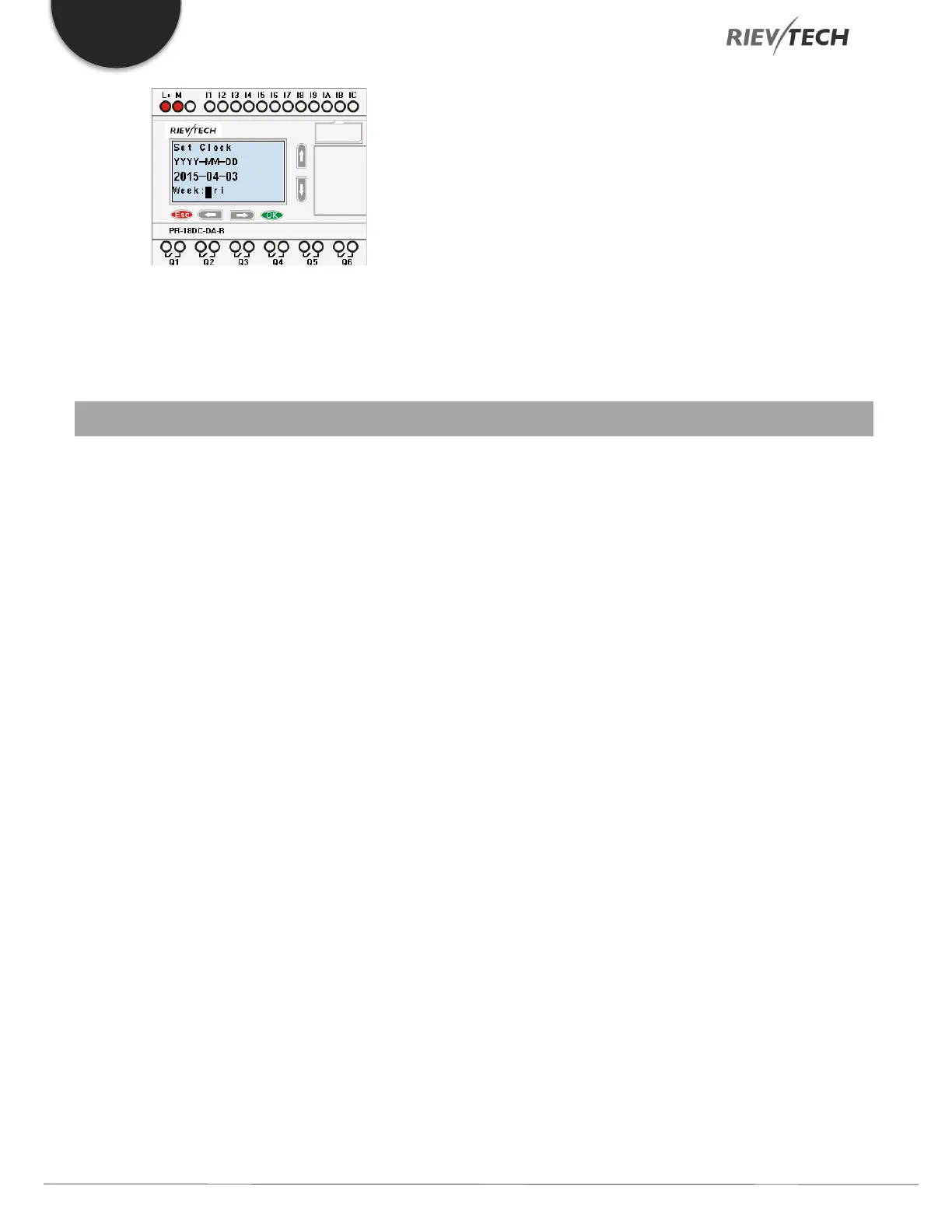
Press ESC key and return to FUNCTION PAGE.
6. Configuring and Programming Rievtech Hardware
Programming your hardware is done using the xLogicsoft
software package, which is FREE and designed to be
installed on a Windows PC. The software utilises a method
of programming called Function Block Diagrams (FBD).
FBD is an easy to use and user-friendly programming
environment. A program is created by dropping pre-
programmed blocks onto a workspace area and
connecting the blocks together to create your control
program.
The xLogicsoft programming software allows the user to
create a self-documenting, user-friendly program and to
simulate your program on your PC without the need for a
Rievtech PLC. Here are some of the features available in
xLogicsoft software:
Modern graphical block representation.
A friendly graphical user interface for the creation
of your circuit program by use of FBD blocks.
Off-line simulation of your logic on your PC.
Automatic generation of chart documentation for
printing.
Ability to add comments to your circuit program.
Download and upload your program to/from
your Rievtech PLC CPU.
On-line debug mode allowing you to view the
status of inputs and outputs, block values and
timer values.
Ability to Start and Stop your program via the PC.
Ability to create your own blocks from the
standard blocks available.


 To Next Page
 Loading...


