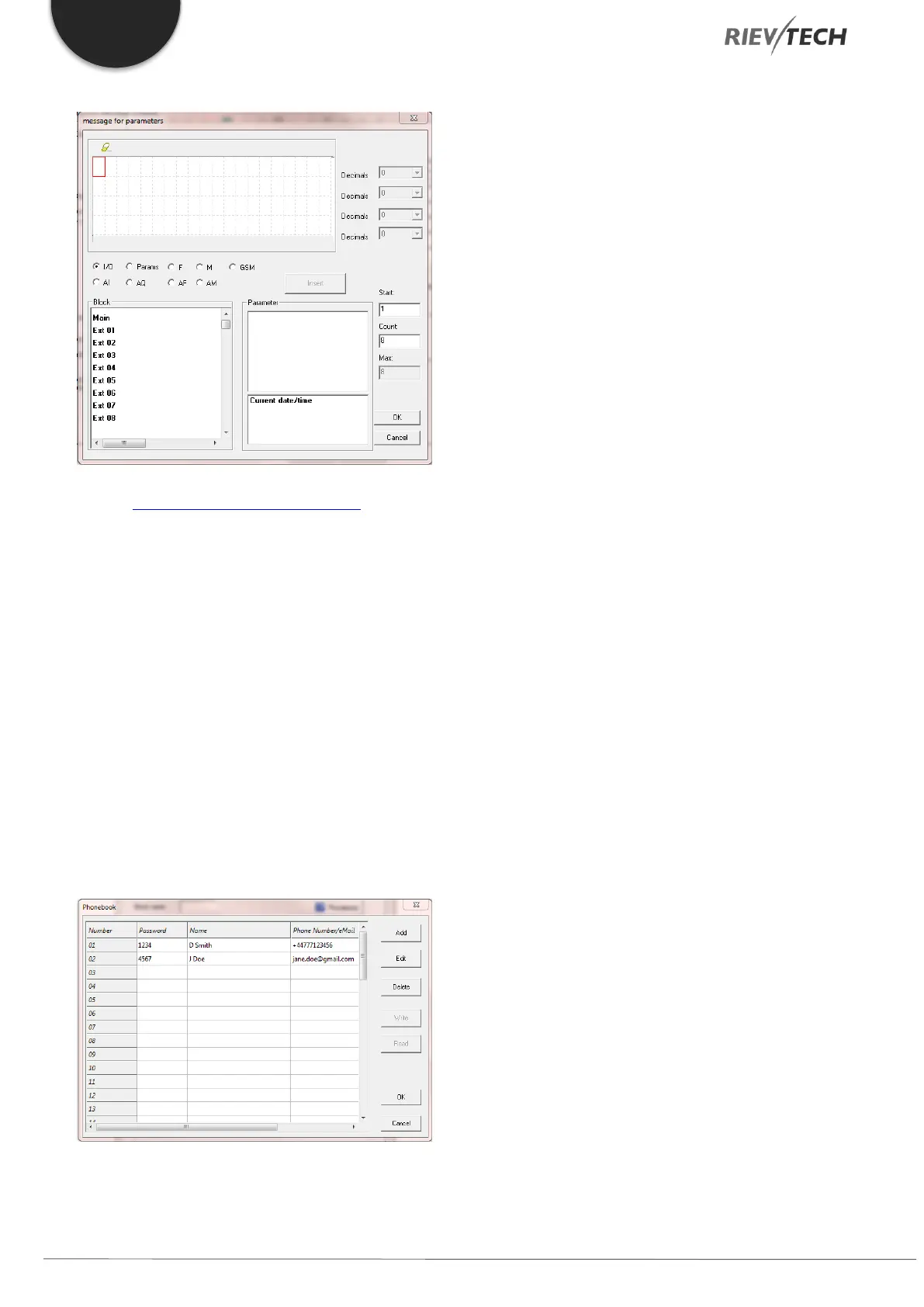
The message for parameters window should appear:
See the Message Text configuration section for details
on configuring the settings here.
3. Confirmation – If ticked, the CPU will expect a
SMS confirmation. If, unticked, each number
configured in the list will be sent the SMS.
a. Confirmation Time in Minutes –
Maximum amount of time the CPU will
wait for a confirmation message. If
timer expires, then the message will be
sent to the next number configured in
the Receiver list.
b. No. of Loops – The number of times
the CPU must try to send SMS to the
numbers configured.
4. Phonebook – Clicking this button will display
the phonebook and allow editing of it.
5. Send Message To – Configure up to a maximum
of 5 numbers who are to receive the message.
6. On Message Delay – When the trigger state
goes TRUE, then the time delay configured here,
will cause the CPU to wait until the timer has
expired before sending the SMS. Should the
input become FALSE during this delay, the timer
will be reset. Time delay is configured between
0.1 seconds and 99.9 hours.



 To Next Page