Restarting this mode is possible by pressing any key except key.
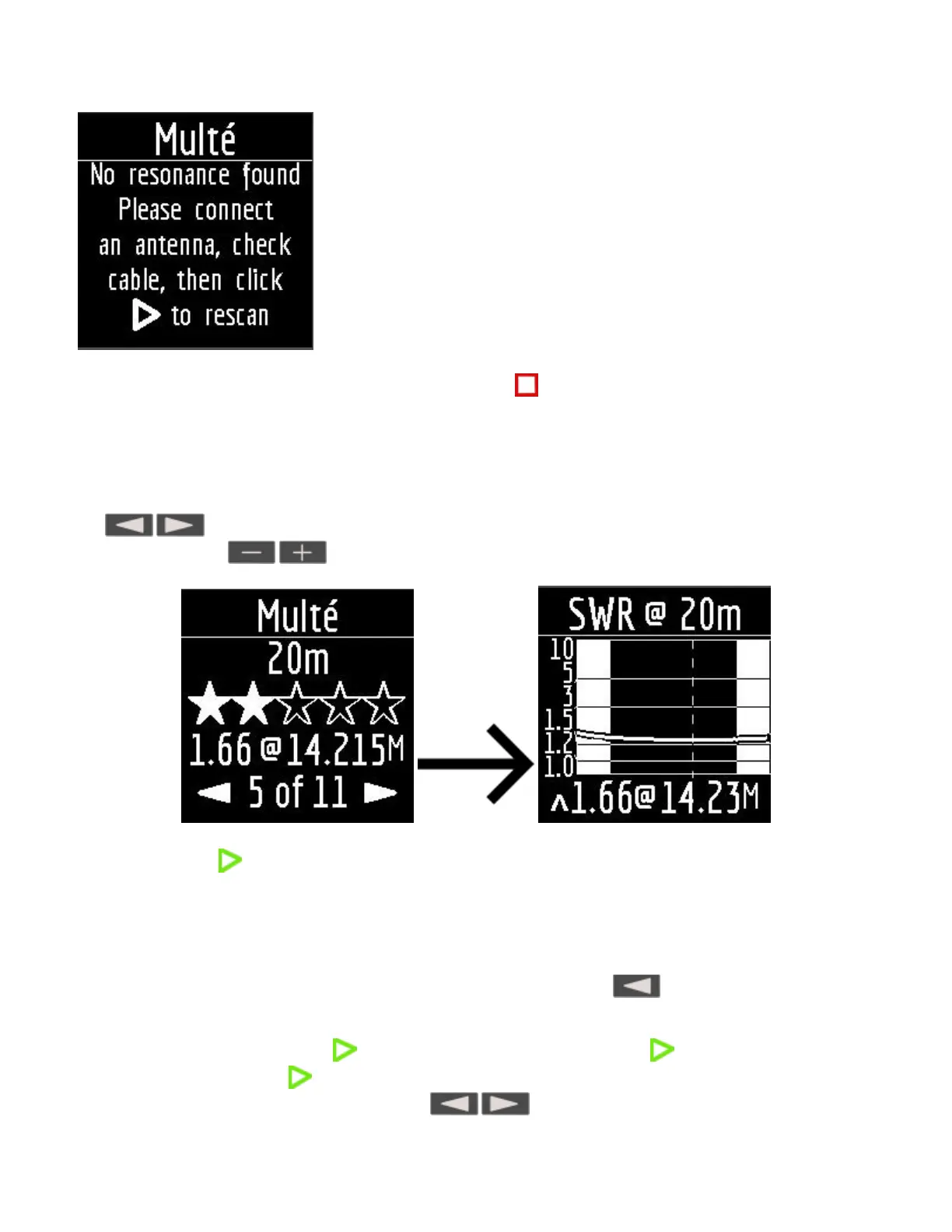
After successful measurement in Multé mode, the following information will be displayed on the analyzer
screen:
band
number of stars (out of 5)
minimum value of SWR and the frequency at which this value was found
If there are more than one results detected by the analyzer, then the screens are switched using
the keys.
When you press the keys on one of the results screens, the analyzer switches to HAM mode on
the same band.
A long press of the key will bring up the Help menu.
HAM mode.
This mode allows you to measure and display the SWR antenna chart on the analyzer screen on one of the
fixed HAM radio bands such as:
2.2 km, 630 m, 160 m, 80 m, 60 m, 40 m, 30 m, 20 m, 17 m, 15 m, 12 m, 11 m, 10 m, 6 m, 2 m.
Enabling this mode is possible either from the main menu by pressing the key or when the analyzer is
off by a long press of the same key. The measurement will be performed automatically in the range that was
used in the previous measurement.
To repeat the measurement, press once. To measure in a cycle, press the key two times at short
intervals. A long press of the key will bring up the Help window.
You can change the measuring range using the keys.


 To Next Page
 Loading...