Chapter 3 Remote Control RIGOL
DG800 User's Guide 3-3
(a)
(b)
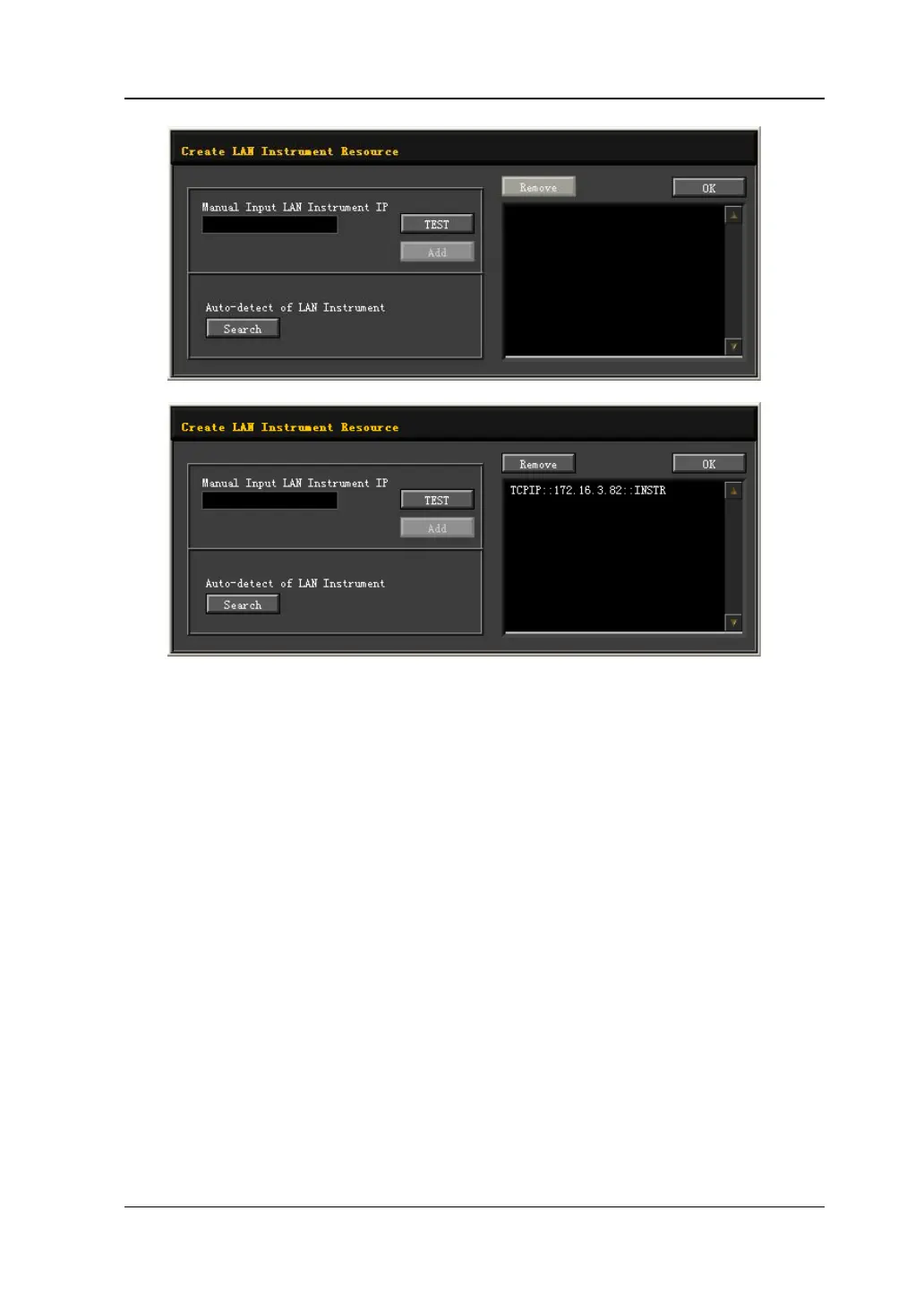
4. View the device resource
The resources found are shown under the "RIGOL Online Resource" directory.
For example, DG832 (TCPIP::172.16.3.82::INSTR).
5. Communication test
Right-click the resource name "DG832 (TCPIP::172.16.3.82::INSTR)" and select
"SCPI Panel Control" to turn on the remote command control panel, through
which you can send commands and read data.



 To Next Page