DS1000Z Upgrade Steps
1. With the help of your computer, decompress the upgrade software (RAR) files and place them
in the top directory of the USB drive.
2. Inserts the flash into the USB (Host) port of the oscilloscope, and it will
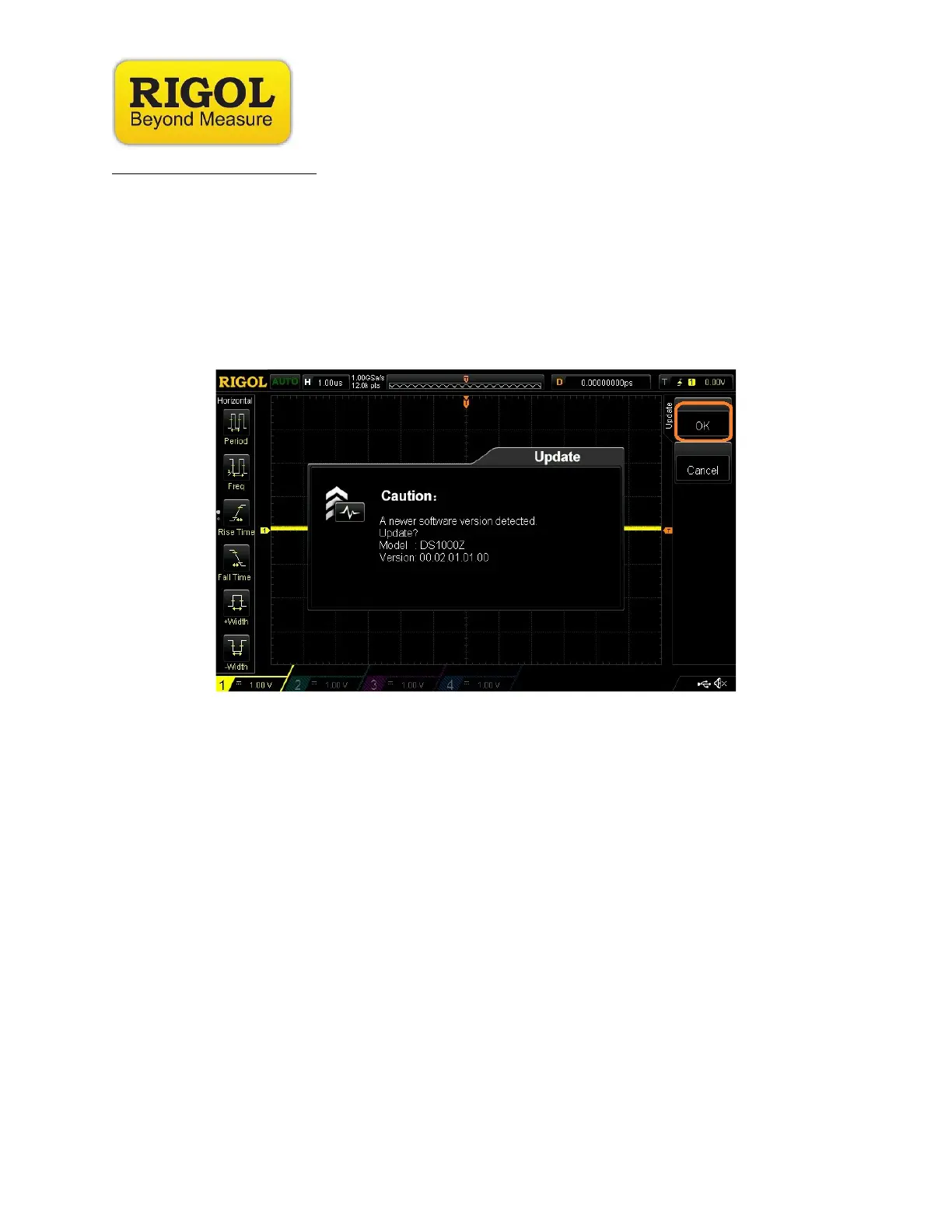
• Prompt “examine the higher/lower-version software, upgrade or not?”
• Choose “OK” to activate the automatic installment process, as shown in Figure 2.
3. Important
During the installation process, please do not disturb or remove the USB drive, and make sure
the power supply is stable; otherwise, it may corrupt the firmware and cause the oscilloscope to
be unusable, and require factory support
Note 2
.
NOTE:
1. Brand, and memory size dependent, not all USB drives in the market are compatible with
Rigol products.
2. Service charges may be required, regardless of validity of warranty, if upgrade is not an
necessity of bugs, application failure, system feature malfunctioning.











 To Next Page