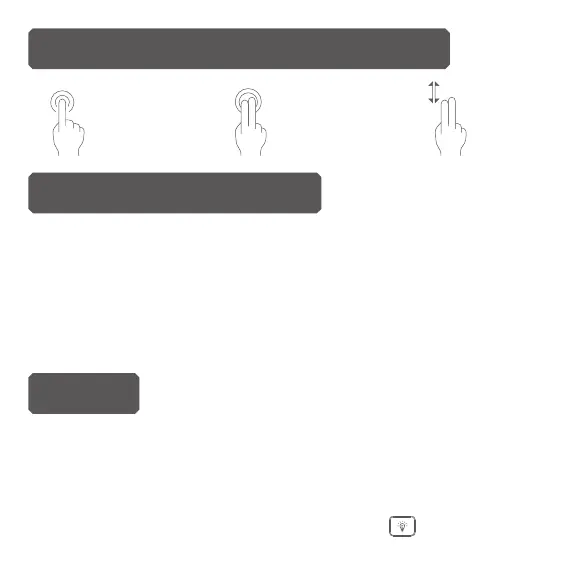
Left mouse Right mouse Scroll
Multi-nger Functions Touchpad
The device uses built-in lithium-ion battery. Please use only approved
USB cables and chargers.
Note:
Fully charge the unit before initial operation. This device can be
used when charging. But charging time will be extended. When the
battery is low, the mode LED will blink to warn the user. The unit will be
automatically turned o if the battery has been depleted.
Charging the battery
Backlit
The backlit will be automatically turned on 3 seconds after the
keyboard is being turned on. When the backlit is lighted, it will stay
on 1 minute. If there is no operation after 1 minute, the backlit will
be o automatically.
You can turn on or turn o the backlit by button .


 To Next Page