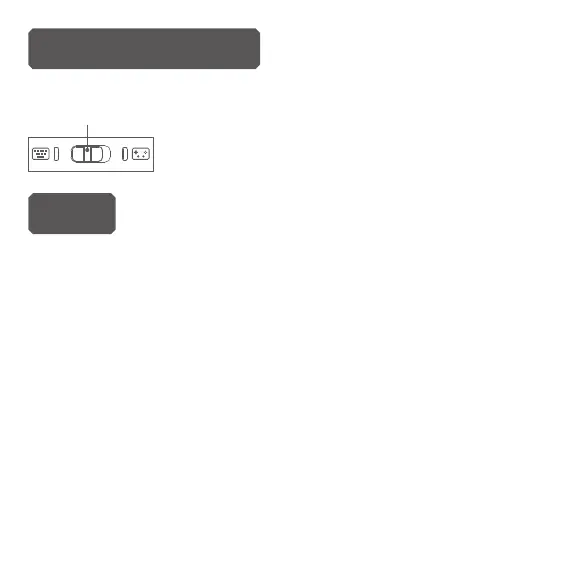
(No support keyboard input when in X-input and PS3 mode)
Note
1.
If the Blue LED does not stay on and it keeps ashing, it means the
keyboard was not be paired with your device. As for how to pair,
please try following
steps:
Step 1:
Press ESC button and turn on the keyboard at the same time,
then release the ESC button and the Blue LED will ash fast.
Step 2: Plug in the USB dongle. the ashing blue LED will become
solid on once paired with success within 60 seconds. if it
fails for the rst time, you can repeat Step1-2 again. Please
make sure the keyboard is fully charged before pairing.
Keyboard mode
Push mode switch to left side, the keyboard mode
led will be keeps on.
Mode switch


 To Next Page