Remove your
existing doorbell.
(optional)
If replacing an existing
doorbell, shut o power
at the breaker. Then
remove it from the wall
and disconnect the wires.
Your Video Doorbell is
compatible with doorbell
systems supplying 8-24
volts AC at 50 or 60Hz,
40VA max.
Do not wire your Video Doorbell to a DC-powered intercom
system or other DC power source.
Steps for wiring to an existing doorbell
Don’t have an in-home chime?
If you see the “No In-Home Chime” button
during setup, be sure to press it.
NO IN-HOME CHIME
To change your wiring settings after setup, go
to Device Settings > Chime Connection.
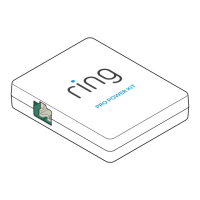
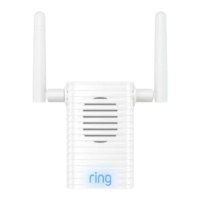
Also, consider purchasing a Ring Chime or
Chime Pro, which allow you to hear Ring alerts
from anywhere in your home.
Insert the
mini-level.
Insert the mini-level
into your Video
Doorbell to make
sure it’s even when
you install it.
Do you have an in-home chime?
If desired, the chime
can ring when the
button on your Ring
Doorbell is pressed.
Just follow the in-app
instructions during setup.
1312


 To Next Page