Page 9
Setting up your Rio
3
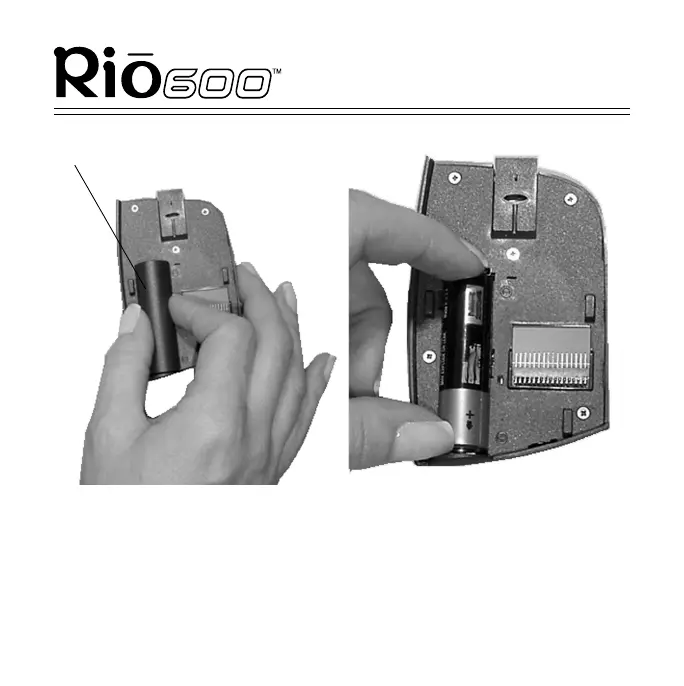
Remove the cover over the backpack battery compartment. Lightly
squeeze the cover to unsnap the tabs that hold it in place.
4
Insert the AA-size alkaline battery into the backpack battery
compartment. Match the + and - ends on the battery to the
symbols shown beside the battery compartment.
Battery compartment cover



 To Next Page