Page 11
Setting up your Rio
Step 3: Install the software
PC
1
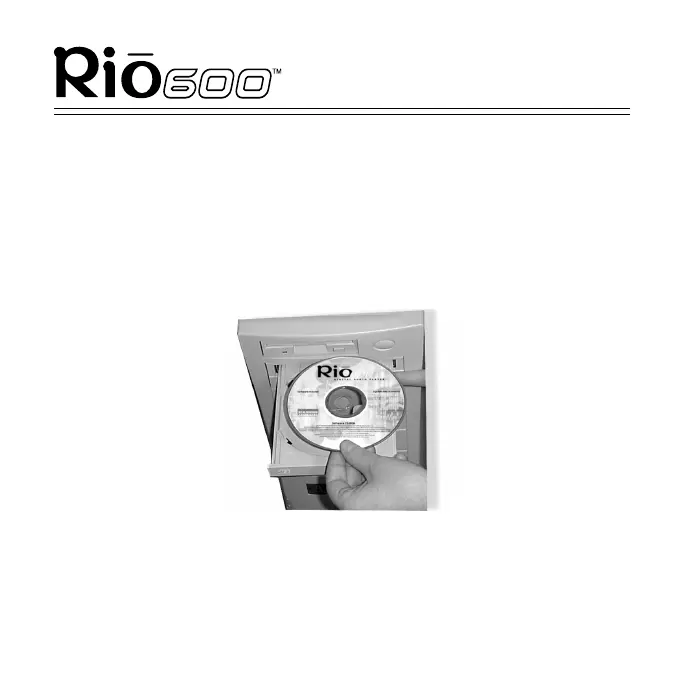
Place the Rio software CD in your computer’s CD-ROM drive.
After a few seconds, the installation menu displays.
Note: If the installation menu is not displayed
automatically, skip to the next page for instructions.
2
Click on the Install button on the installation menu. Follow the
instructions on the computer screen.
3
Reboot your computer when installation is complete or you are
prompted to do so.



 To Next Page