Page 14
Setting up your Rio
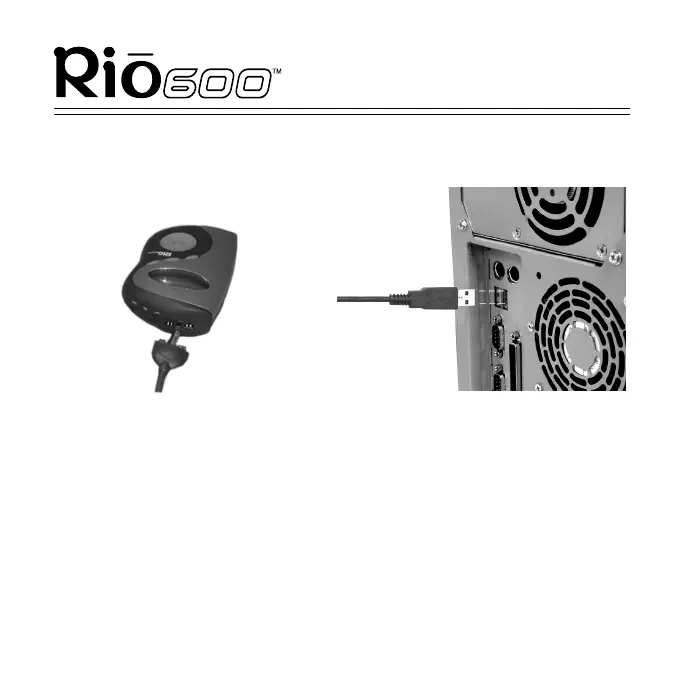
Step 5: Plug in the USB cable
1
Plug one end of the USB cable into the multifunction port on top
of your Rio.
2
Plug the other end of the USB cable into the USB port on your
computer. On the Mac, the USB port is typically located on the
keyboard.
Tip: The Rio 600 USB connection can only be
inserted one way. Do not try to force the connection.
1
2



 To Next Page