EasyManua.ls Logo

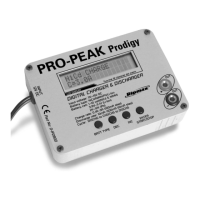
Ripmax PRO-PEAK Prodigigy II - User Manual

Default Icon
2 pages
Print Icon
To Next Page IconTo Next Page
Loading...
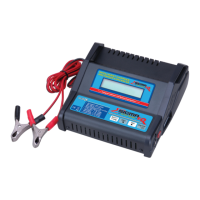
Pro Peak/ Makita Charger: This will charge all Makita drill baeries
Short Instrucons:

  !"
If this is not the case then move to the long instrucons.
#$$%&'(()*#%$+%$&)$
+%%,*%$-*.%
#!*/
Long Instrucons:

#$0%!0$
$1*$#%
*&2+)**0*/$$
34*&'(()*&5)6$,%7%$.
$**&)&)**/8$$
9&'(()*4&:)6$8*&)&)**/
  :$$
3%$$%&'(()*#;$*/&2)$$$
4*%
Question and Answer IconNeed help?

Do you have a question about the Ripmax PRO-PEAK Prodigigy II and is the answer not in the manual?

Summary

Short Instructions for Makita Battery Charging

Battery Insertion and Initial Display Check

Verify battery insertion and check the charger screen displays correct initial settings.

Initiating Charge Cycle

Hold 'Enter, Start Stop' for two seconds to begin battery check and start charging.

Long Instructions for Makita Battery Charging Setup

Select Li-ion Battery Type

Use the 'Batt Type' button to cycle settings until 'Li-ion' is displayed.

Set Charge Current to 3300 mAh

Select 'C=' field and use 'Inc/Dec' buttons to set current to 3300mAh.

Set Voltage to 14.4 Vp

Select 'Vp' field and use 'Inc/Dec' buttons to set voltage to 14.4Vp.

Confirm Settings and Start Charging

Hold 'Enter, Start Stop' for 2s to display 'Battery Check' and commence charging.

Ripmax PRO-PEAK Prodigigy II Specifications

General IconGeneral
BrandRipmax
ModelPRO-PEAK Prodigigy II
CategoryBattery Charger
LanguageEnglish

Related product manuals