cancel all paired alarms, press and hold the V button after entering the
canceling mode.
② To exit the canceling mode, briefly press the Power button.
Turning Off Receiver:
To turn off the receiver, press and hold the Power button. The torch and
run LEDs will flash once, and one beep will sound.
Charging
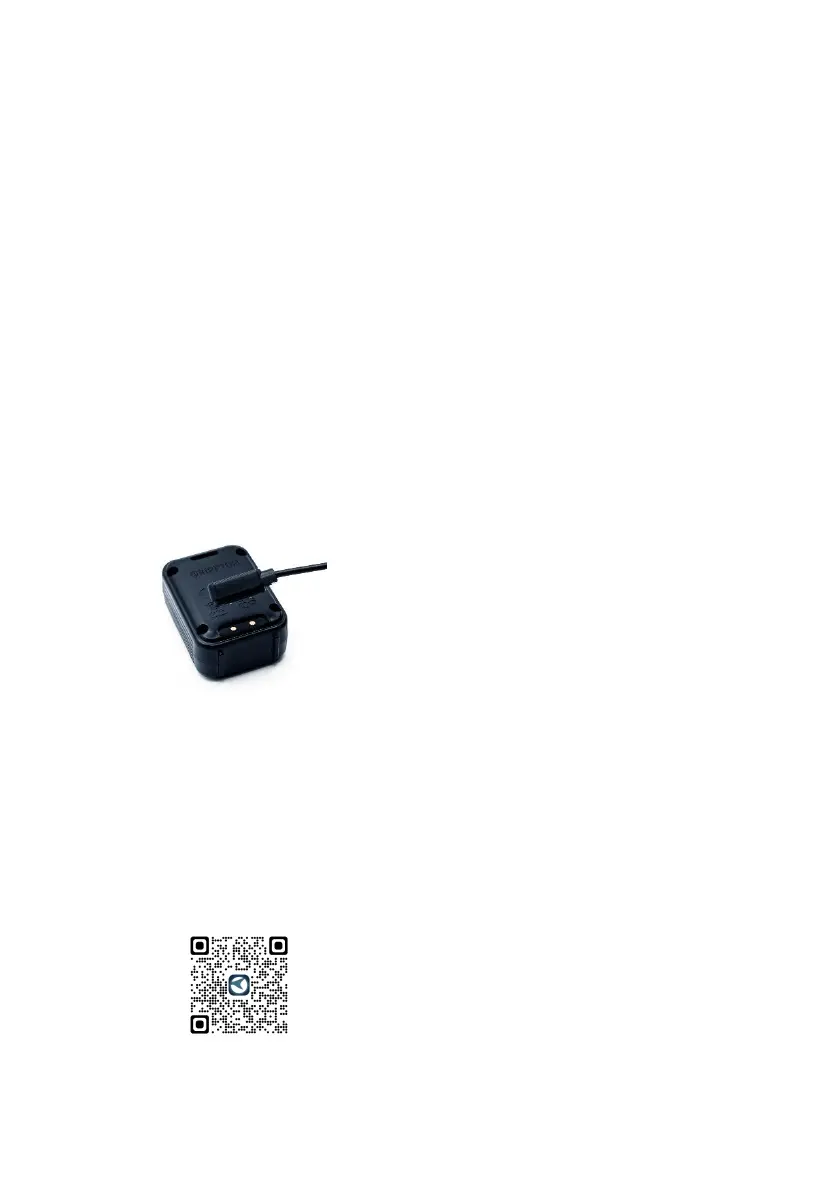
Before charging, turn off the receiver. Then attach the magnetic
charging cable to the charging port on the lower back of the receiver.
You will hear two short beeps, and the first run LED will come on and
then periodically dim and brighten. Once the receiver is fully charged,
the run LED will turn green.
APP Connection (Only Available for the bluetooth version
BITEKEEPER Pro)
a. Search for either “Bitekeeper” or “Rippton” on the Google Play
Store, Samsung Galaxy Apps (for android) or App Store (for iOS),
or scan this QR code below, to install the app on your mobile
device. Installing the app requires Android System 8.0 or above
and iOS 9.0 or above.


 To Next Page
 Loading...