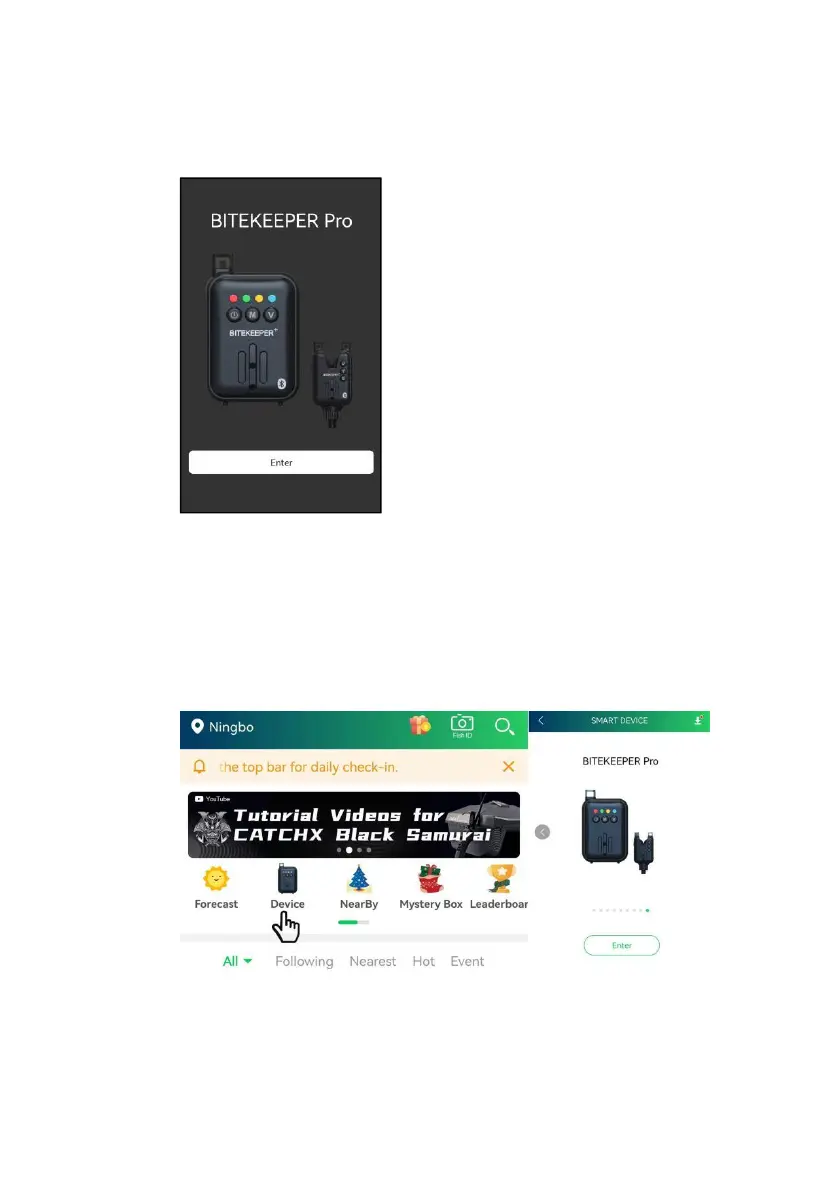
b. Enter “Bitekeeper” App on your mobile device, then tap “Enter”
Or
Enter “Rippton” App on your mobile device, then tap “Device” and
select the “BITEKEEPER Pro” interface among the other
products.
c. Please switch on the “Bluetooth” in the settings of your smart
mobile device, and allow “Rippton”'s access to such bluetooth.


 To Next Page