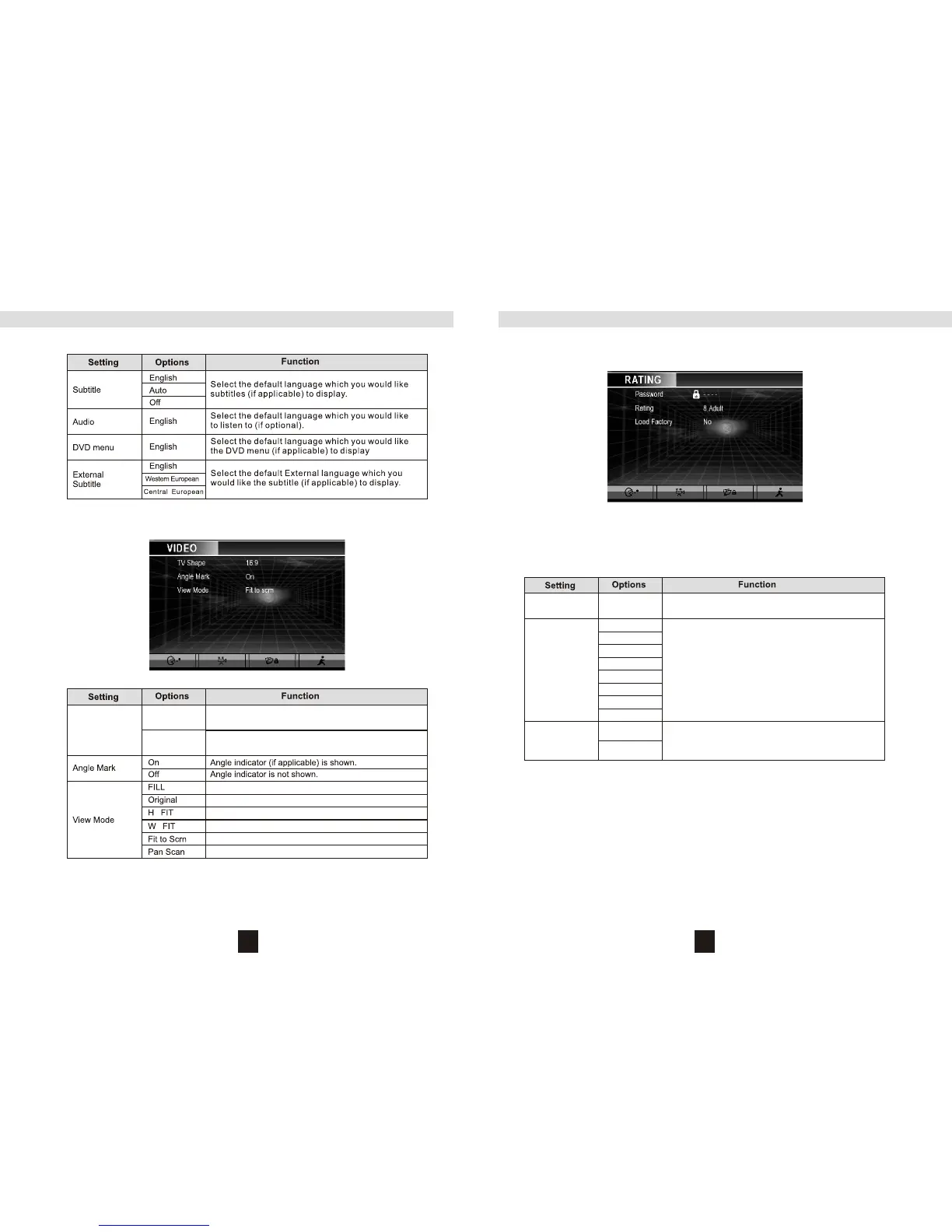
VIDEO Menu
NOTE: For standard discs not formatted for “widescreen”, use of the 16:9 aspect ratio will result in
image distortion.
DVD Setup Menu
TV Shape
(Aspect Ratio)
4:3
16:9
Image is presented in wide view with a 4:3 aspect
ratio.
Image is presented in wide view with a 16:9 aspect
ratio.
Password
Rating
Load Factory
----
1. Kid Safe
2. G
3.PG
4. PG-13
5. PG-R
6. R
7. NC-17
8. ADULT
No
Yes
Enter a 4-digit password to activate the “Rating”
feature.
Select the appropriate rating level for the intended
audience. You may override higher ratings by using
your password.
Select “Yes” to restore the factory default settings
for the DVD setup only (except the password and
parental lock setting).
2221
RATING (Parental Lock) Menu
The DVD system has a built-in parental lock feature to prevent unauthorized persons from viewing
restricted disc content. By default, the rating system is unlocked. Once setup, the parental lock is
released only by entering the correct password. Once the password is entered, rating is available for
setup.
To reset the password, access the “RATING” menu and enter the current password. Once the correct
password is entered, you can access the “Password” field and enter a new one.
NOTE: Record the password and keep it in a safe place for future reference. The rating for each disc
is marked on the disc, disc packing, or documentation. If the rating is not available on the disc, the
parental lock feature is unavailable. Some discs restrict only portions of the disc and the appropriate
content will play. For details, please refer to the disc description.
DVD Setup Menu
LANGUAGE Menu Features


 To Next Page