Page 4 / 7 34-80 04/2013
4. To exit push + or wait 15 seconds without pressing any buttons.
Note: This device recognizes Sunday as the first day of the week and Saturday as the last.
1.7 TO SET THE ENERGY SAVING TIME (NIGHTIME SETBACK)
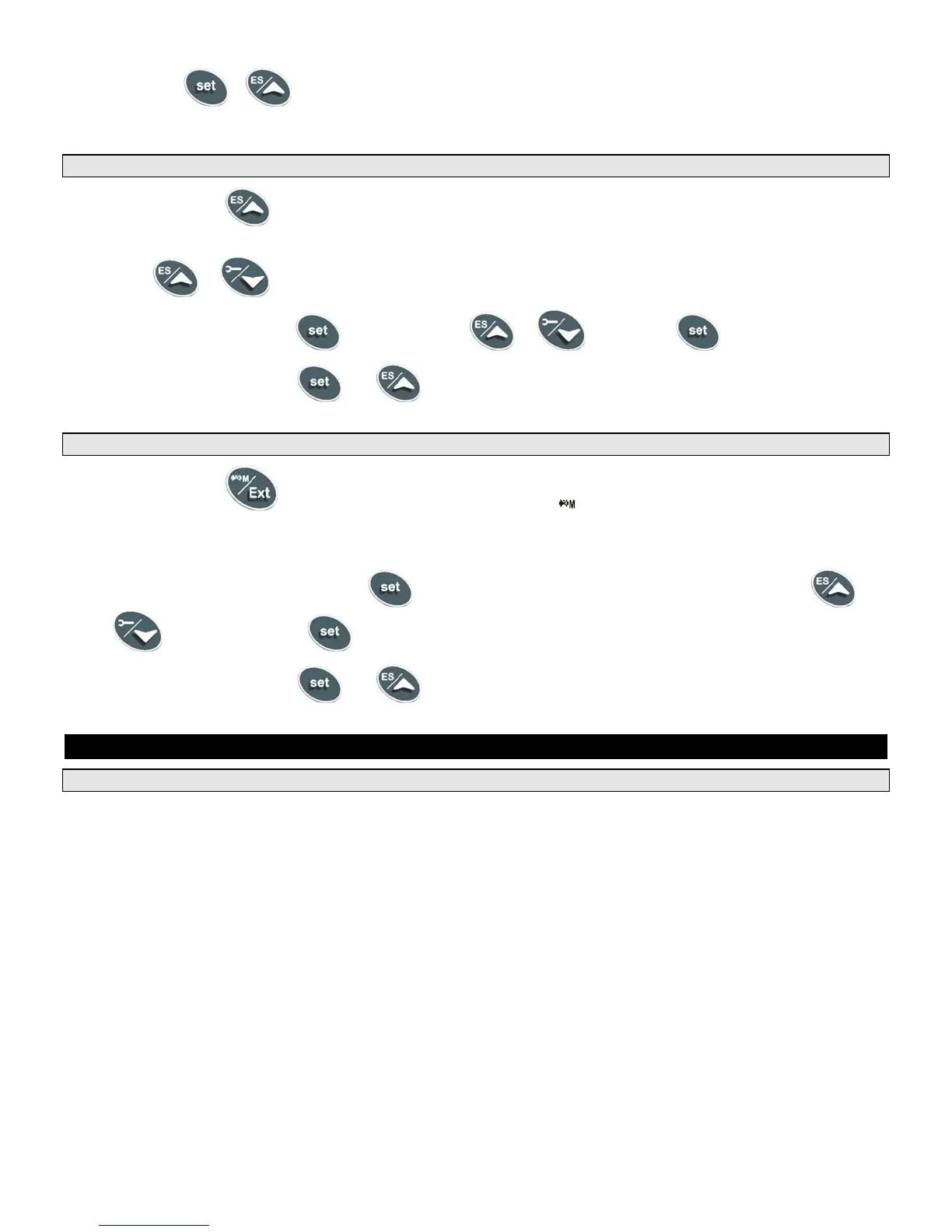
1. Push and hold the button for more than 3 seconds and the first parameter of the energy saving will be
displayed.
2. Use the
or buttons to browse them.
3. To change a value, push the
button followed by or and then the button again.
4. To exit from the menu, press
and or wait for 30 seconds.
1.8 TO SET MODULATION PARAMETERS
1. Push and hold the button for more than 3 seconds and the LED will switch ON and a passkey will
be required to view and manually change the modulation % value. Passkey is “321”.
2. Upon entering the password, the modulation % value will be displayed in the lower display.
3. To manually adjust this value, push the
button; the value will start flashing. Adjust it by using the
or
buttons and then the button again.
4. To exit from the menu, press
and together or wait for 30 seconds.
2. PROGRAMMING
2.1 SETPOINT DESCRIPTIONS AND PROGRAMMING
Setpoints are those temperature or operating parameters that the user can adjust.
St 1 - This setpoint temperature should be considered the °F or °C temperature threshold to activate the energy
source. The setpoint corresponds directly to the temperature sensed by Probe 1. In a boiler, Probe 1 is usually
inserted into the return piping of the boiler heating loop. In a water heater, Probe 1 may be inserted into the sidearm
storage tank. The St 1 setpoint is programmed as an absolute temperature; for example 160°F.
St 2 - This setpoint corresponds to either the threshold for second-stage burner operation or the threshold for burner to
switch to high fire, depending on the product or application. The St 2 setpoint is either programmed as the number of
degrees below St 1 (setpoint 1) when the second stage will activate; for instance, - 8°F OR as an independent
absolute water temperature to which the unit must operate at high fire condition; for instance 115°F. The St 2 setpoint
is only applicable on products that have stage-fired/modulating burners.
St 3 - This setpoint represents the temperature threshold for activation of freeze protection or flue gas temperature
protection, depending on the product or application. The St 3 setpoint is programmed as an absolute temperature; for
example 40°F or 150°F. The St 3 setpoint is only applicable on products that have freeze protection or require flue gas
temperature protection.



 To Next Page