Need help?
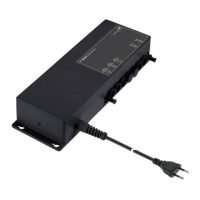
Do you have a question about the RK Rose+Krieger MultiControl duo silent and is the answer not in the manual?
Provides detailed technical data including dimensions, weight, voltage, current, protection, and environmental specs.
Explains how to connect drives to the controller, specifying socket usage and drive compatibility.
Provides step-by-step instructions for performing an initialisation run using the 6-key hand switch.
Explains how to interconnect multiple RKMultiControl duo controllers using leads and termination plugs.
Outlines the procedure for entering access codes and 3-digit codes to configure controller settings.
Provides an overview and labels the keys of the 2-key hand switch for controlling drives.
Illustrates and describes the function keys and hot keys on the 6-key hand switch.
Details the two-step sequence for storing user-defined positions for drive control.
Covers various error codes and their rectification procedures.
 General
| Brand | RK Rose+Krieger |
|---|---|
| Model | MultiControl duo silent |
| Category | Controller |
| Language | English |


 To Next Page