How to change the tuning accuracy
If you are looking for higher accuracy (like when recording your jams for instance) you can change
the tuning mode to High Accuracy. By default, your Roadie device is set to Fast Tuning mode,
which delivers accurate tuning as fast as possible for your everyday practice.
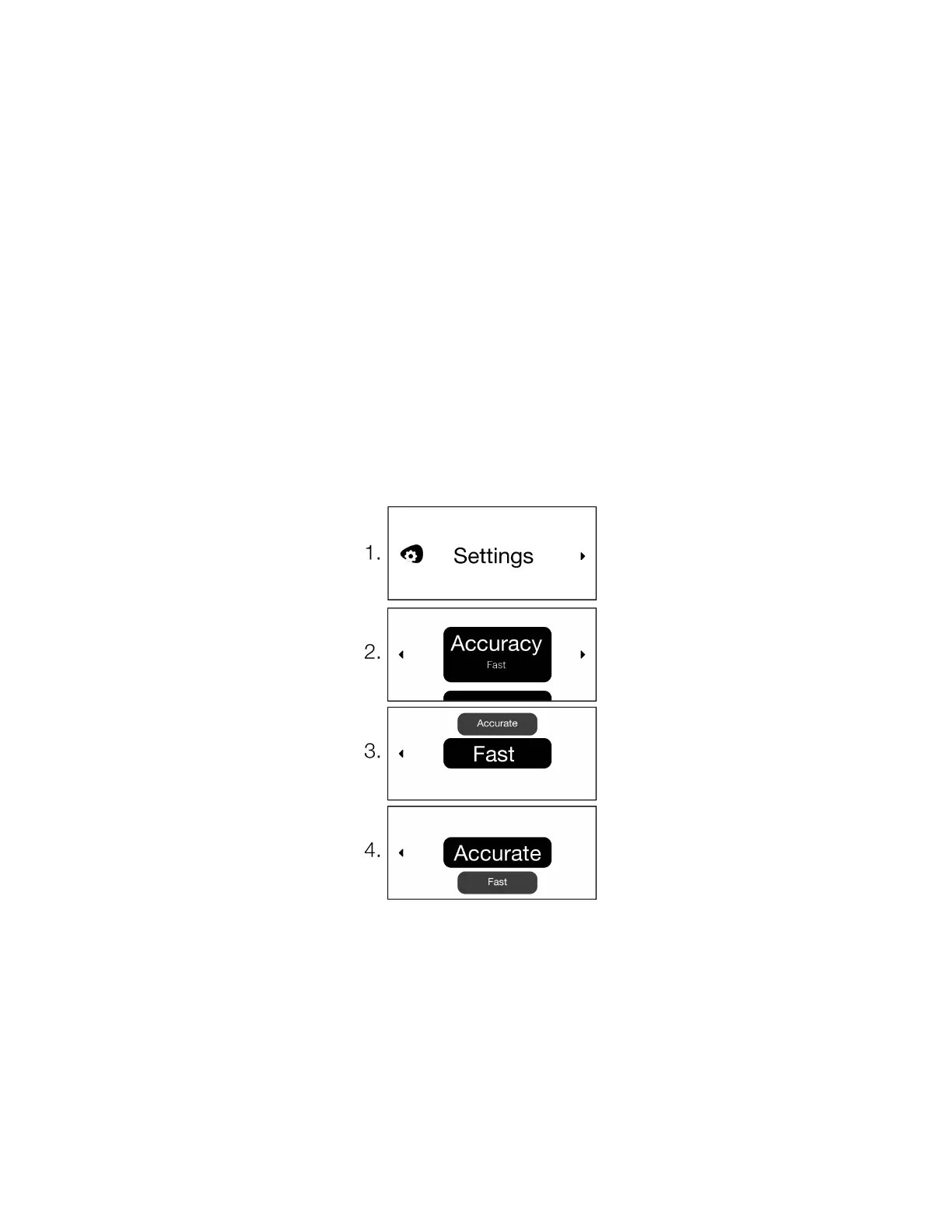
To change the tuning accuracy:
● Turn on your Roadie
● Scroll down to Settings and click right to enter the settings screen
● Select “Accuracy” right click and choose your mode (Fast Tuning or High Accuracy)
● Press back (Left) to save


 To Next Page