to exit current interface.
4-27
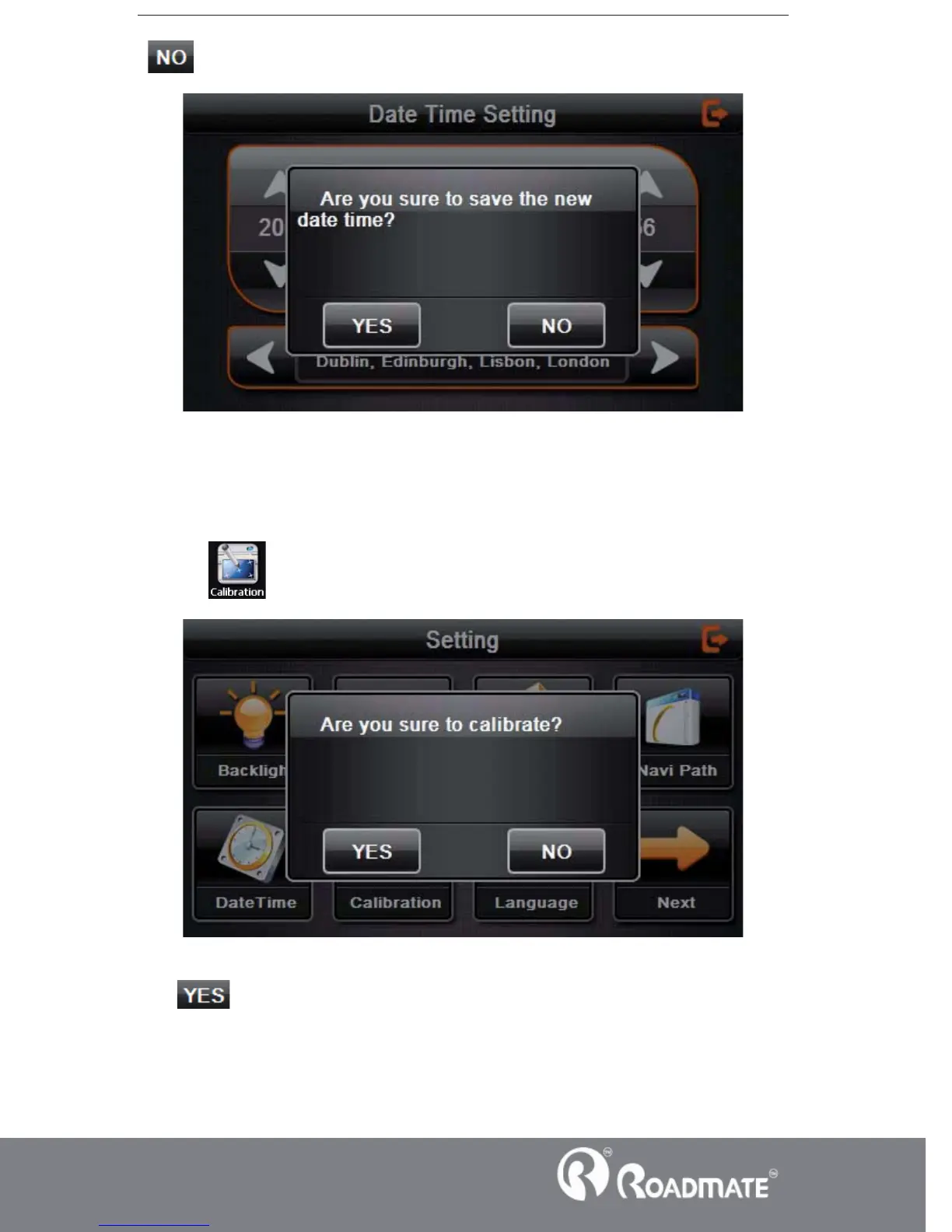
4.14 Screen Calibration
Click the
to enter the screen calibration as 4-28DŽ
4-28
Click it will move from in the sequence of the center, left up, left down, right
down and right up till the calibration succeed, then click any where on the screen to
save the calibration and exit to the main interface automatically. If not save the



 To Next Page