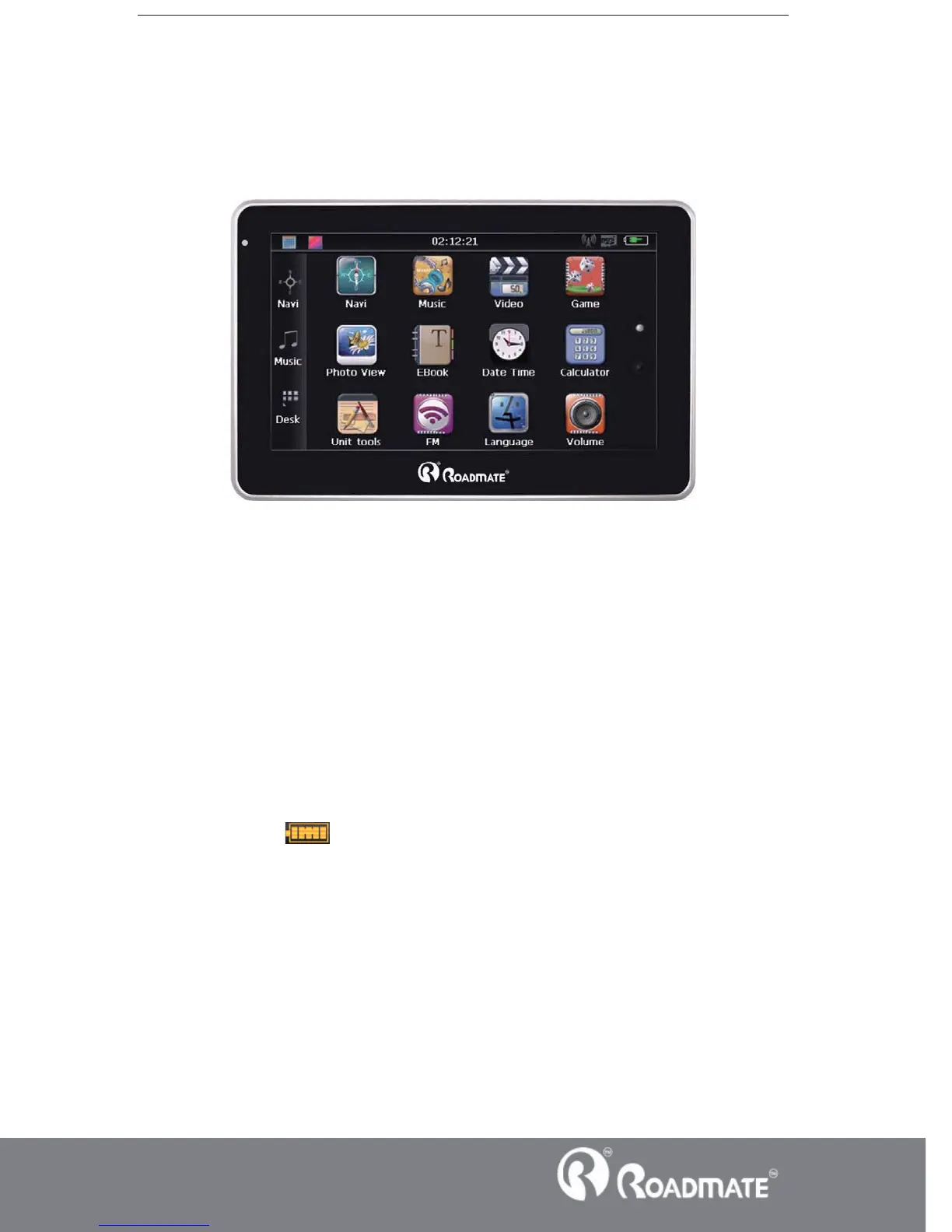
This chapter will give an introduction of the apparent components and basic function
of the GPS Navigator and it will help you to be familiar with the basic operation
quickly.
2.3 Product appearance
Chapter Three Manual Instruction
3.1 Power supply and charge
If this navigator is first used, please use adaptor to fully charge it.
3.1.1 Power supply
There are three types of supplying power: battery, adaptor, USB cable.
GPS navigator uses the Li-battery to supply power when it is not connected with
adaptor. The mark
[ ] on the up right of interface indicate the current electric
volume.
GPS navigator uses the external power when it is connected with the adaptor.
GPS navigator uses the USB cable to supply power when the GPS navigator
connects to the PC.
ǏRemarkǐThis machine adopt built-in, unchangeable Li-Ion battery. At normal
condition (if the back light is not so bright), the actual supply hour can be different
because of the different way using the navigator. Some function (audio playing, video



 To Next Page