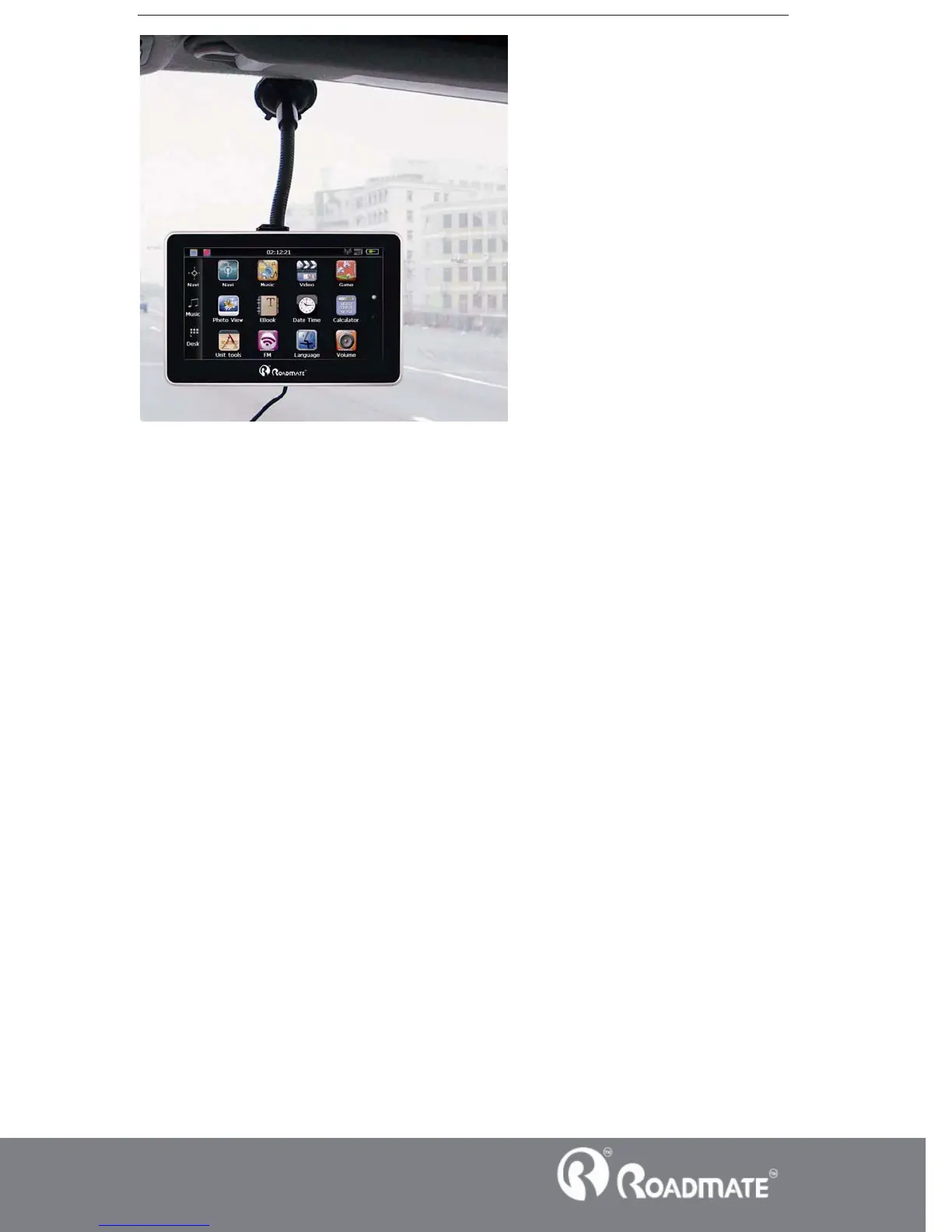
ǏNoteǐWhen use the bracket, please take care of the position. Please don’t fix the
navigator to the position where the driver’s sight is being influenced. Please do not lay
it aside freely; do not fix it to the air bag, do not lay it on the expand range of the air
bag.
3.5 Stylus
The stylus is the tool for you to use your navigator. Please keep it carefully.
1ǃSingle click ˖
Singly click the screen with the stylus point.
2ǃDouble click˖
Double click the screen with the stylus point.
3ǃDrawing˖
Click one point and hold to move on the screen.
ǏNoteǐAny broken stylus, ball pen or any acute and harsh object will destroy the
LCD if you use it to operate the device.
3.6 SD/MMC card
The attached SD/MMC card contains the media file. Please insert the card



 To Next Page