Page
3
Playback
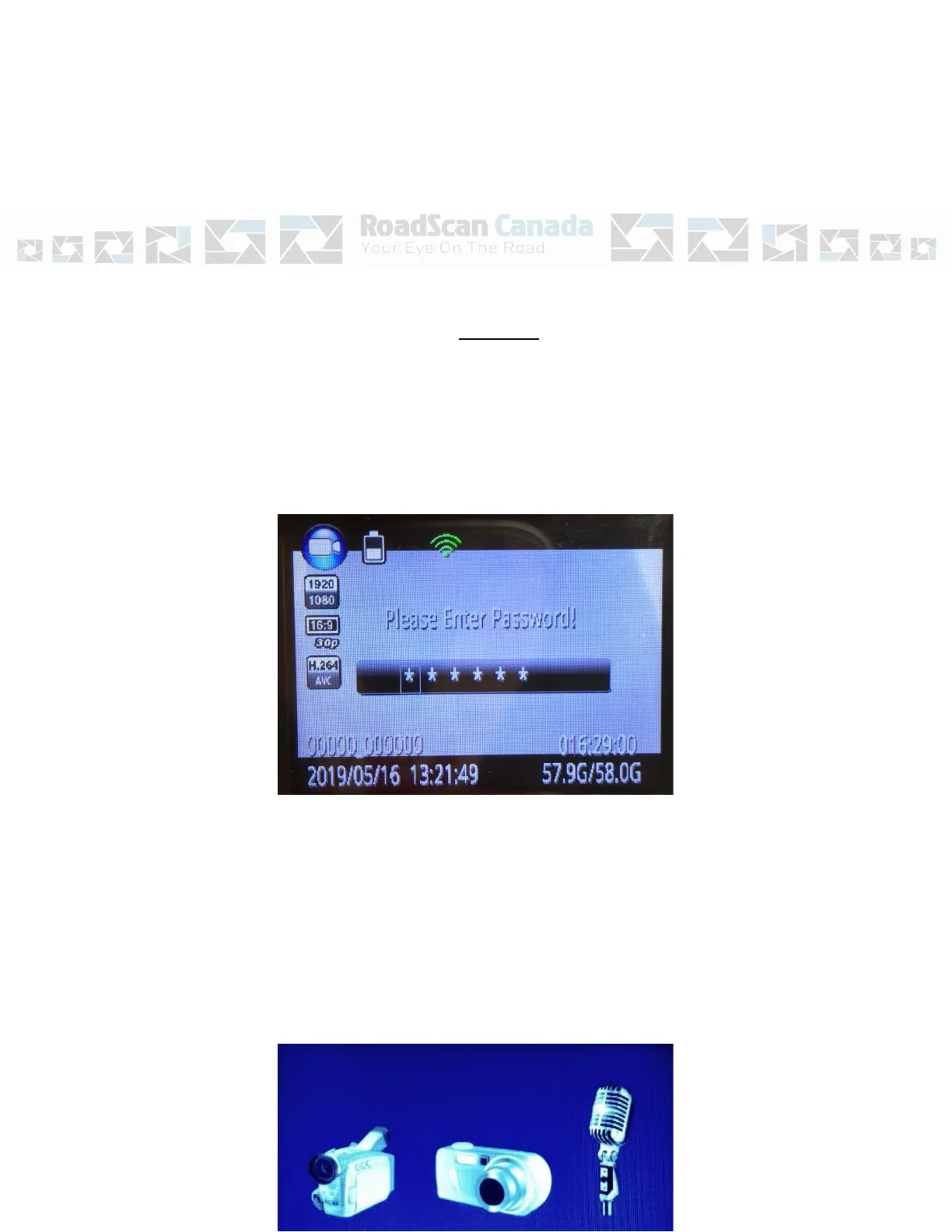
The playback screen can be viewed by pressing the OK button (located under the LCD
view screen) when the camera is in standby mode and on the main display screen. The
user will be prompted to enter a password. The default password is ‘0’ – 6 times, by
pressing the OK button 6 times. Use the Browse-up and Browse-down buttons to scroll
through other password entry options and press the OK button to select password
entries.
Figure 1
If a mistake is made when entering a password, hold the Browse-up button to move
back one entry and hold the Browse-down button to move forward one entry.
After the correct password has been entered, use the Browse-up button to tab left and
Browse-down button to tab right over either video, camera, or audio file tabs and
press the OK on the selected file tab to view the files.



 To Next Page