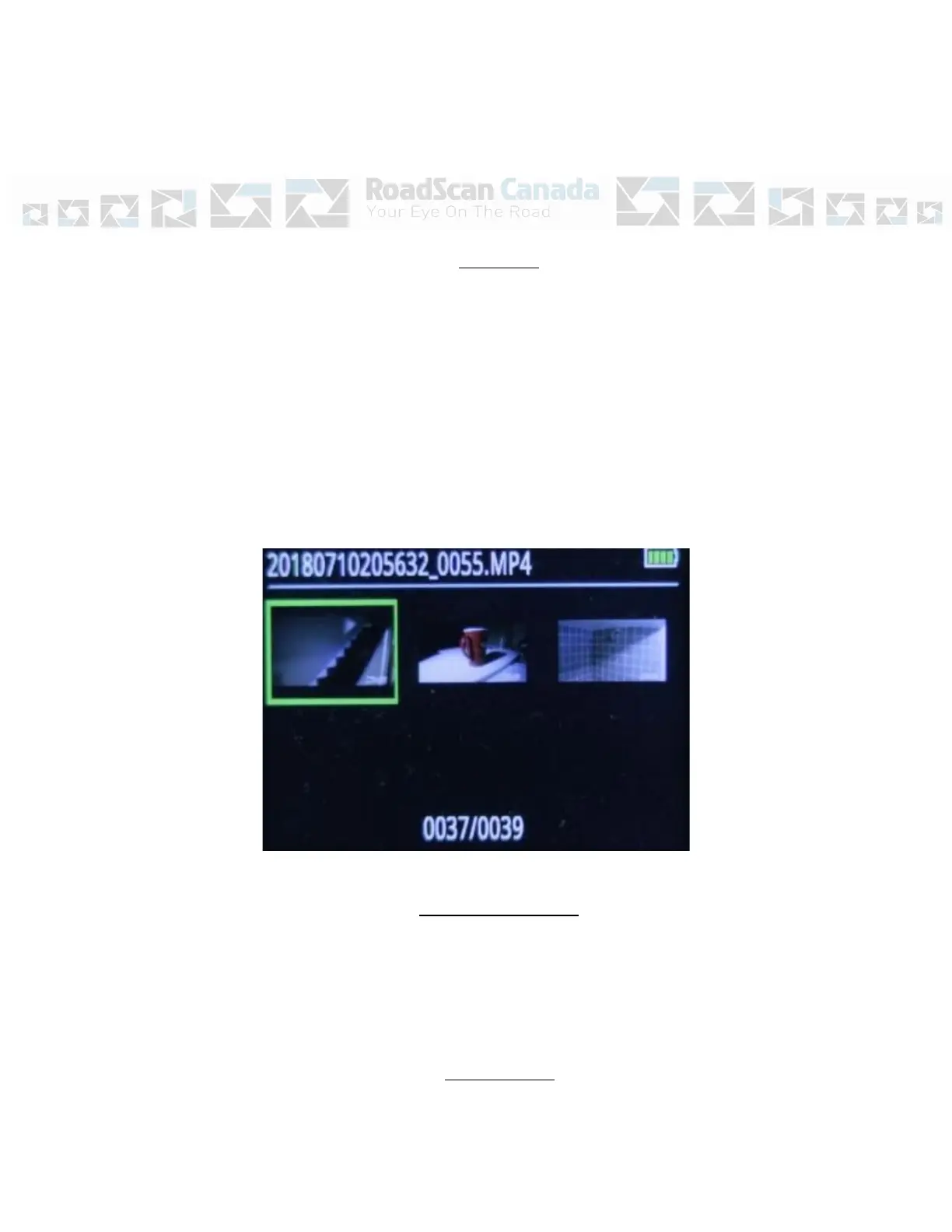
Figure 2
Page
4
Playback
After selecting the form of data wished to be viewed, tab over to the file wished to be
viewed and press the OK button to select that file. Pressing the OK button on a video
or audio file will automatically start playing the file. – Use the OK button to pause and
play the file.
Use the Browse-down button to fast forward and use the Browse-up button to rewind
videos. Fast forward and rewind options can be sped up by tapping the browse
buttons more than once. Video mode has X2, X4, X8, X16, X32, X64 and X128 speed
(both forward and reverse).
Figure 3
One Key Playback
When the camera is in standby mode (not recording), on the main LCD view screen
press the “one key playback button” otherwise known as the “Browse-up button” to
open the most recently recorded media file. The user will then be prompted to enter a
password prior to viewing files. (See playback for password entry instructions).
Menu Access



 To Next Page