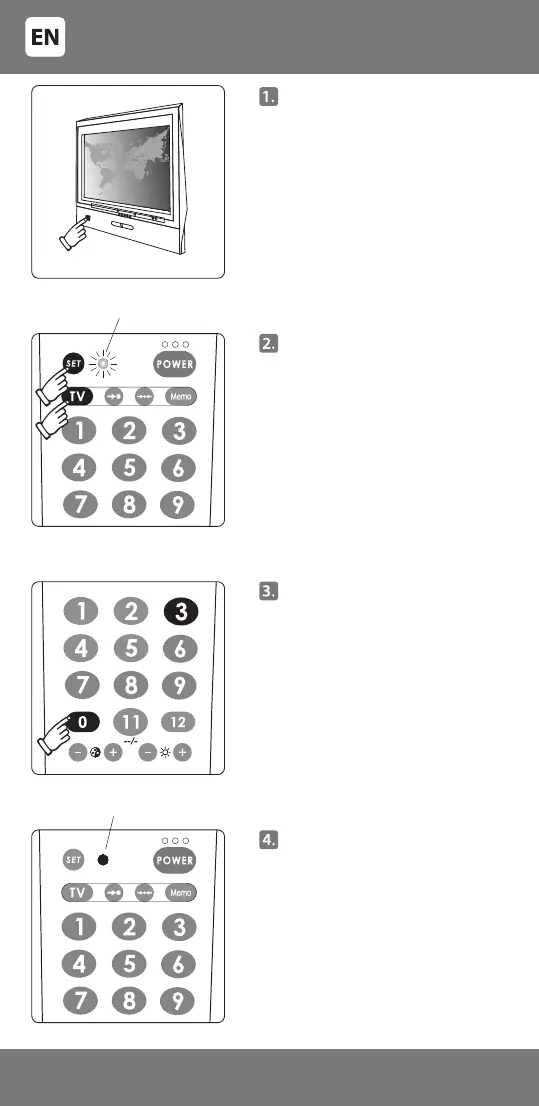
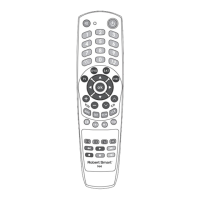
Manually switch on the
controllable TV.
It must be fully switched on,
and not just in standby mode!
A picture transmitted by the
selected device should appear on
the screen.
Press key [SET] on the remote and
keep it pressed, press key [TV] -
a light indicator will switch on.
Release the keys.
Enter a 4-digit code (e.g. for TV
'PHILIPS' the code is '0003').
If the code is entered correctly,
the light indicator will go out. If
the code is entered incorrectly
(any digit of the code is entered
incorrectly), the indicator will ash
three times and remain in the
setup mode (the light indicator
is on). Enter the code again. After
successful setup the indicator
should go out.
Indicator o
The indicating light is on
- 4 -
34-240


 To Next Page