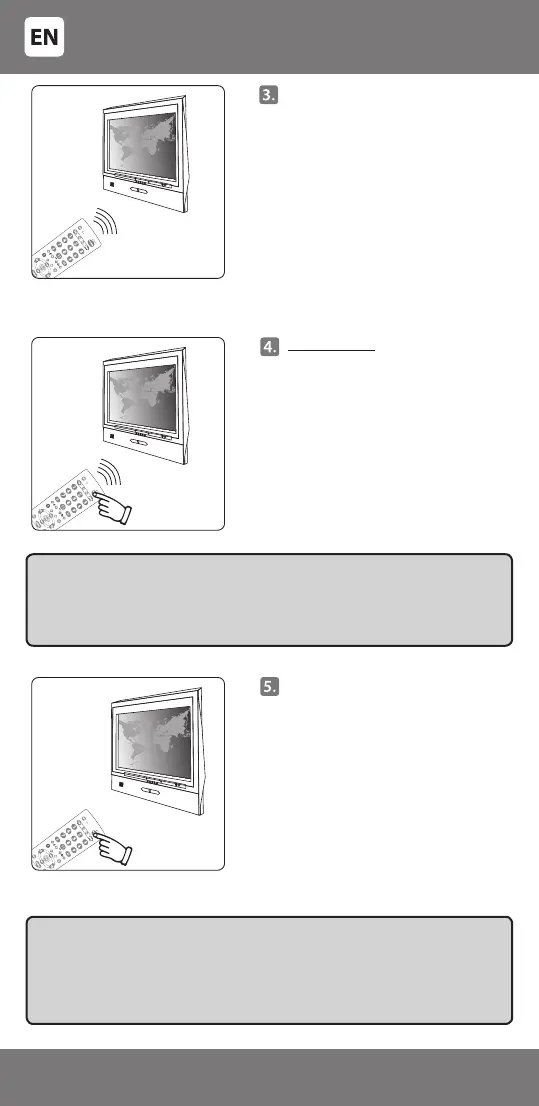
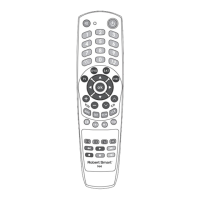
Point the remote towards the
controllable TV. The remote will
transmit the switch-o code
packs with a 1.5 second interval.
Please do not miss the moment
when the TV switches o. Do not
press any other key during search.
Immediately press any key
when the TV switches o. The
light indicator will go o, code
transmission mode will be turned
o and programming will be
nished.
IMPORTANT:
- The remote cannot increase the number of device functions.
E.g.: if the TV has no 'MUTE' function (sound switched o), the key [MUTE]
on the remote will not work.
- Some of the remote control functions may not work.
- Symbol on the key and the performed function may dier.
Point the remote towards the
controllable device and check
that the keys of the remote are
working. If some or all of main
keys are not working, repeat steps
2 ~ 5.
IMPORTANT: if the TV switches o it means that the code detectable for the
device has been found. Please follow the search procedure carefully and
press any key immediately when the device switches o so that the remote
did not continue to search for another code. After pressing any key the last
transmitted code is stored in the remote control memory.
- 6 -
34-240


 To Next Page