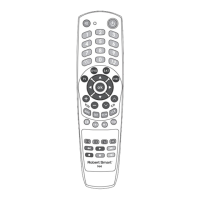
UNIVERSAL SMART TV
REMOTE R929
Thank you for choosing a Robert Smart product!
USER MANUAL
DESCRIPTION
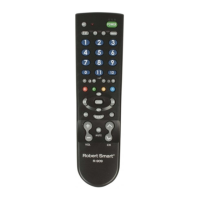
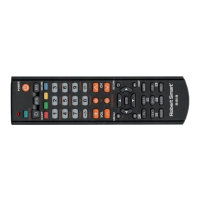
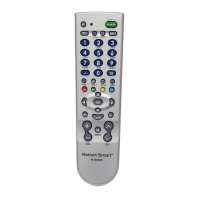
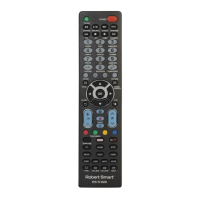
Robert Smart R-929 is advanced Smart and Internet TV remote control. It
is compatible with over 200 dierent TV brands, which includes all most
commonly used models on the market. It works perfectly as a replacement
of a lost or damaged original remote control and includes all the main
functions of all TVs. Thanks to the 'QuickSet' function, setting up a Robert
Smart remote control is easy and can be done very quickly. To start using
the remote control, it must be linked to the TV. Please carefully read this
manual on how to link the remote control to your TV quickly and easily.
PREPARATION
Remove the battery cover and insert two size AAA R03 1.5 V batteries (not
included), minding the correct polarity (+/-).
LINKING THE DEVICE TO THE REMOTE CONTROL
To be able to control a specic TV set by using the commands on the
remote control, the remote control must be linked to the TV set by
entering the correct code on the TV. Entering the code will ensure that the
transmitted signal is received correctly.
The remote control can be set up in 4 ways:
A. Use the 'QuickSet' function for a quick connection to all TV models from
popular manufacturers.
B. Enter the code from the code table.
C. Automatic code search.
D. Manual code search
Each option has its advantages, and you may choose whichever option
suits you best. We recommend trying the 'QuickSet' function rst. If it fails
and you cannot nd the right code, try entering the code from the code
table. Only use the automatic code search function, if you have already
tried using the methods A or B and they have failed.
A. 'QuickSet' FUNCTION FOR ULTRA-FAST CONNECTION WITH TV SETS
FROM ALL COMMON MANUFACTURERS
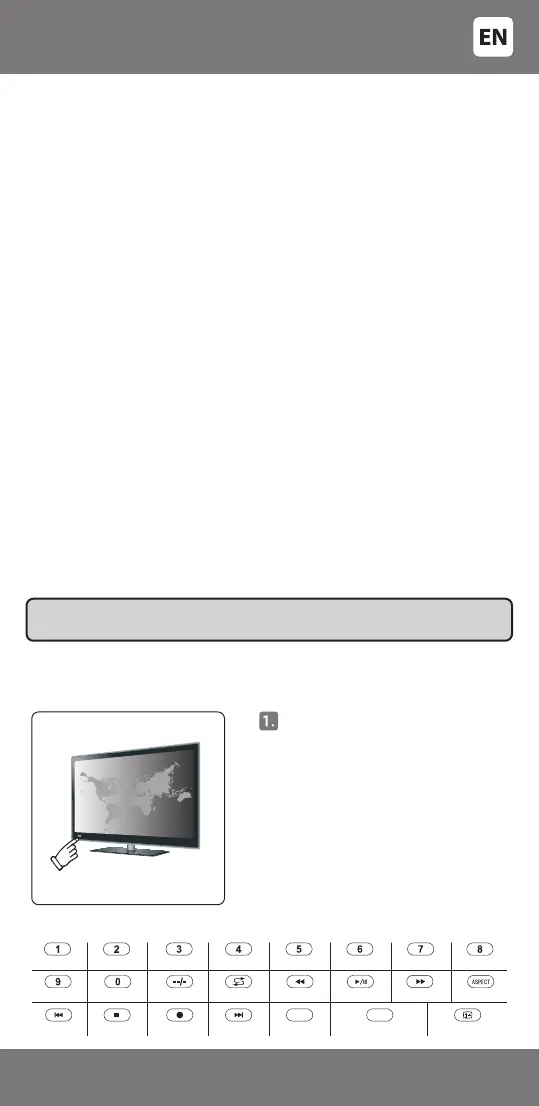
Manually turn on the TV - it must
be fully turned on and not just in
standby mode!
IMPORTANT: Finding / entering the right code will enable the main functions.
However, some of the specic features may not work.
POPULAR BRANDS
SHARP
LG
SAMSUNG SKYWORTH
HISENSE
CHANGHONG DAEWOO PHILIPS 2
SONY
PANASONIC
SANYO TOSHIBA PHILIPSHITACHI
KONKA
THOMSON
TCL
JVC
HAIER TOSHIBA 2
VIVAX
RED
WOX/TELEFUNKEN OTHER BRANDS
GREEN
- 3 -
3301048


 To Next Page