8
Using your BluPad’s hands-free call feature
Your speaker can be used as a hands-free accessory for your phone. When
your music is playing through your speaker and you receive a call on your
phone it can pause the music automatically to allow you to answer your phone.
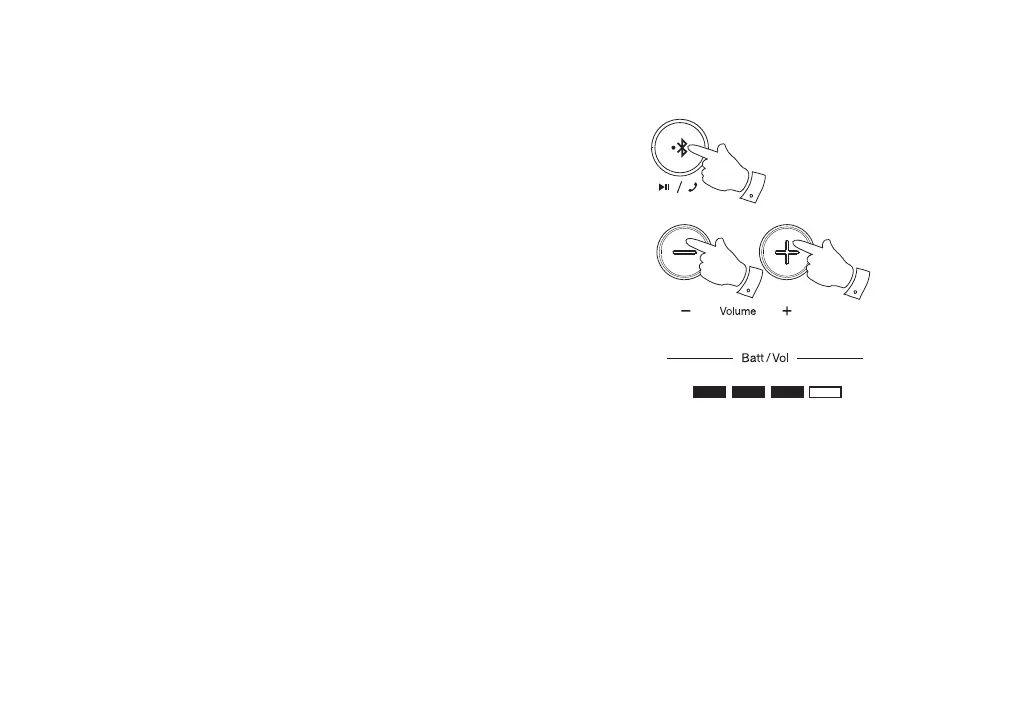
1. If you receive a call whilst playing music through your speaker press
and release the Bluetooth / Call button to answer your phone call.
2. Press the Volume Up and Down buttons to select the desired volume
on your speaker. The volume indicators will show red for 3 seconds and
then revert to white showing battery level status.
Note: A very high volume setting on the speaker in some cases may
make it harder for you to be heard by the calling party.
3. Press and release the Bluetooth / Call button to end the phone call.
Note: In some cases you may need to check that the hands-free feature is
enabled on your phone.
1-3
2
2



 To Next Page