23
Adding a new fi le
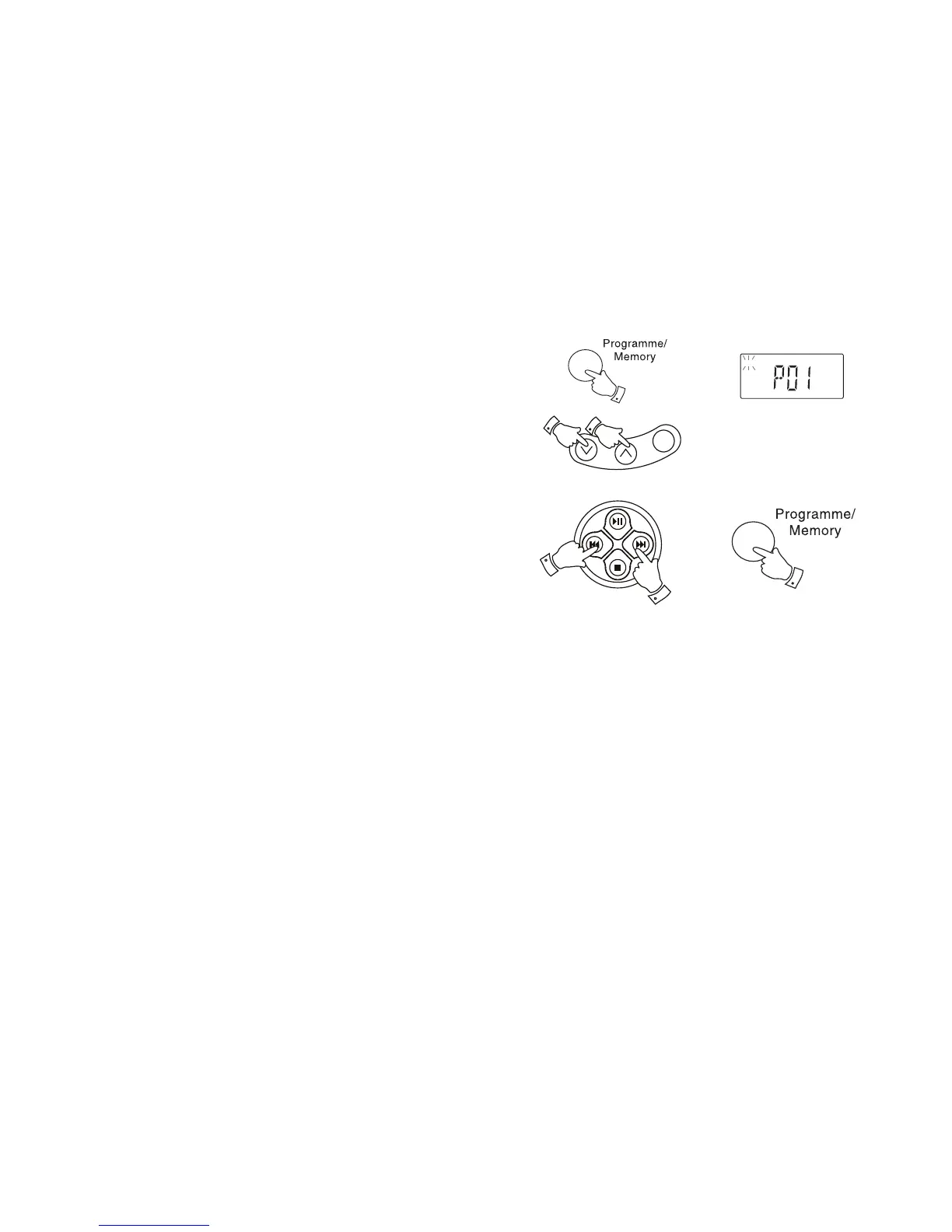
1. In Stop mode, repeatedly press and release the Programme/Memory
button to step through the tracks programmed until you fi nd the desired
track number. The display will show the track number once and 'MEM'
will fl ash.
2. Select the number of the new folder by pressing the Album/Memory
Down or Up buttons.
3. Select the number of the new fi le or track by pressing the F. Skip or
B. Skip buttons.
4. Press and release the Programme/Memory button to store the fi le.
1



 To Next Page