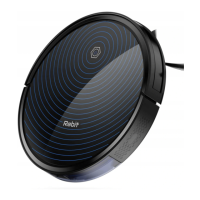
Place the charging base on a hard, level surface and against the wall. Remove objects
within 3ft/ 1m of the left and right side and within 6ft/ 2m of the front charging base.
Please do not place objects with strong reflecting surfaces around the charging base,
such as mirrors.
1. Charge the robot directly with a power adapter.
2. Ensure the charging base is plugged in, and the robot in standby state, press the
recharge button on the remote control or press the start-stop button of the robot for 3-5
seconds, the robot will return to charge automatically.
Charging mode
*Turn on the side power switch on the robot (1 for power on, 0 for power off)
*The green light turns on, the robot is activate.
*When the orange light is breathing, the robot is charging.
*When the green light is solid, the charging is completed.
*You can charge your robot in the following ways:
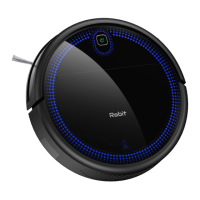
Install the side brushes properly.
2


 To Next Page