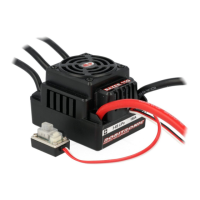
Connection
Warning: This is a real powerful Brushless-Motor-System. For safety, remove for setup the pinion and please always
keep the wheels away from the track when switching on the ESC.
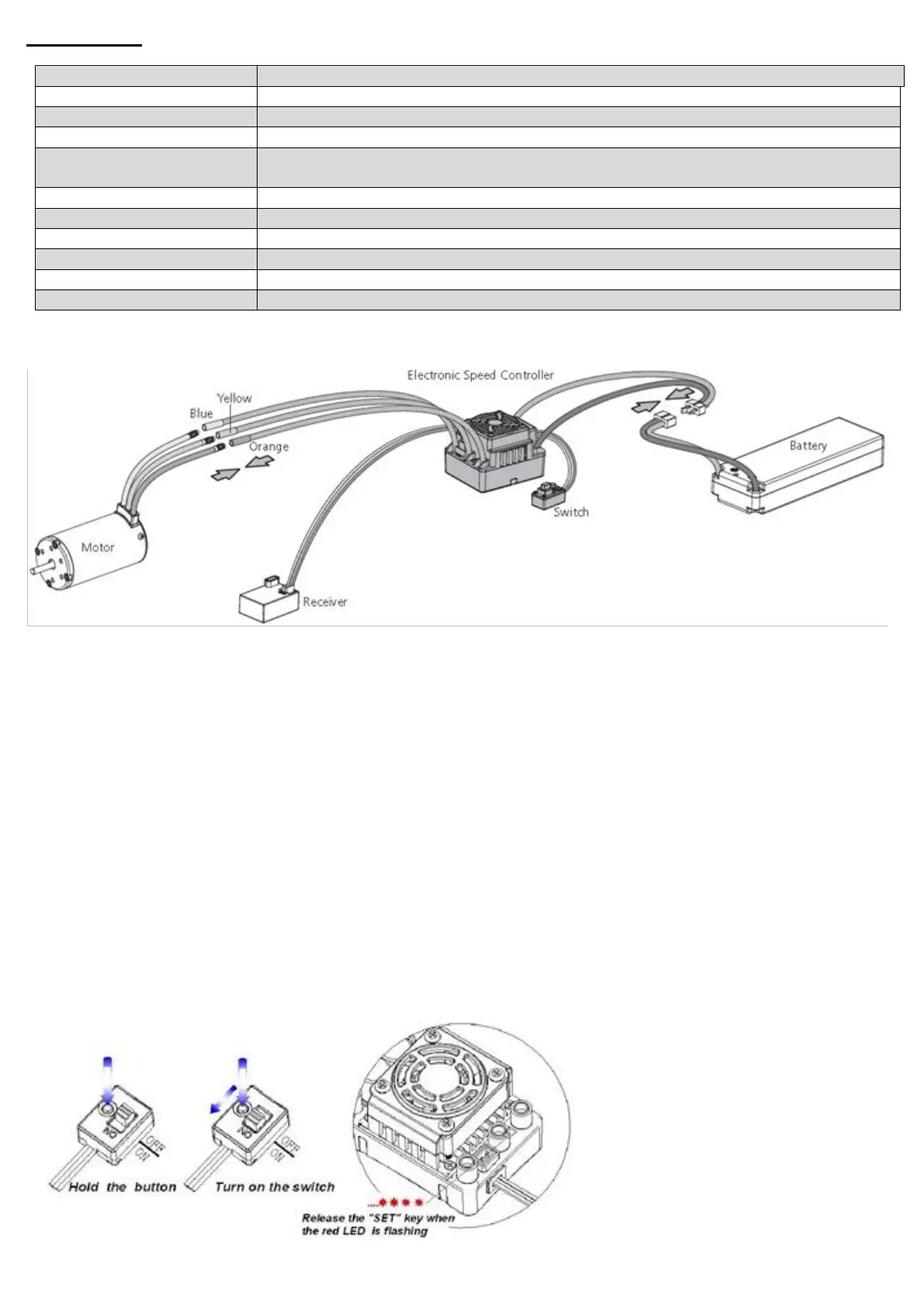
• Connecting the motor:
The #A, #B, #C wires of the ESC can be connected with the motor wires freely (without any sequence). If the
motor runs in the opposite direction, please swap any two wire connections.
• Connecting the receiver:
Plug the gas channel cable on the controller into the TH / Gas channel on the receiver. The gas channel cable
outputs the voltage of 6V to the receiver and the steering servo. Be careful not to connect a separate battery to
the receiver, otherwise your ESC may be damaged.
• Connecting the battery:
Proper polarity is extremely important. Please make sure that the plus (+) is connected to plus (+) and minus (-)
is connected to negative (-) of the battery. Reversing the polarity on your regulator from the battery will damage
your regulator, which is NOT covered by the warranty!
Throttle Range Setting (Throttle Range Calibration)
In order to make the ESC match the throttle range, you must calibrate it when you begin to use a new ESC, or a new
transmitter, or change the settings of neutral position of the throttle stick, ATV or EPA parameters, etc.
The following pictures show how to set the throttle range with a FutabaTM transmitter.


 To Next Page
 Loading...