EasyManua.ls Logo

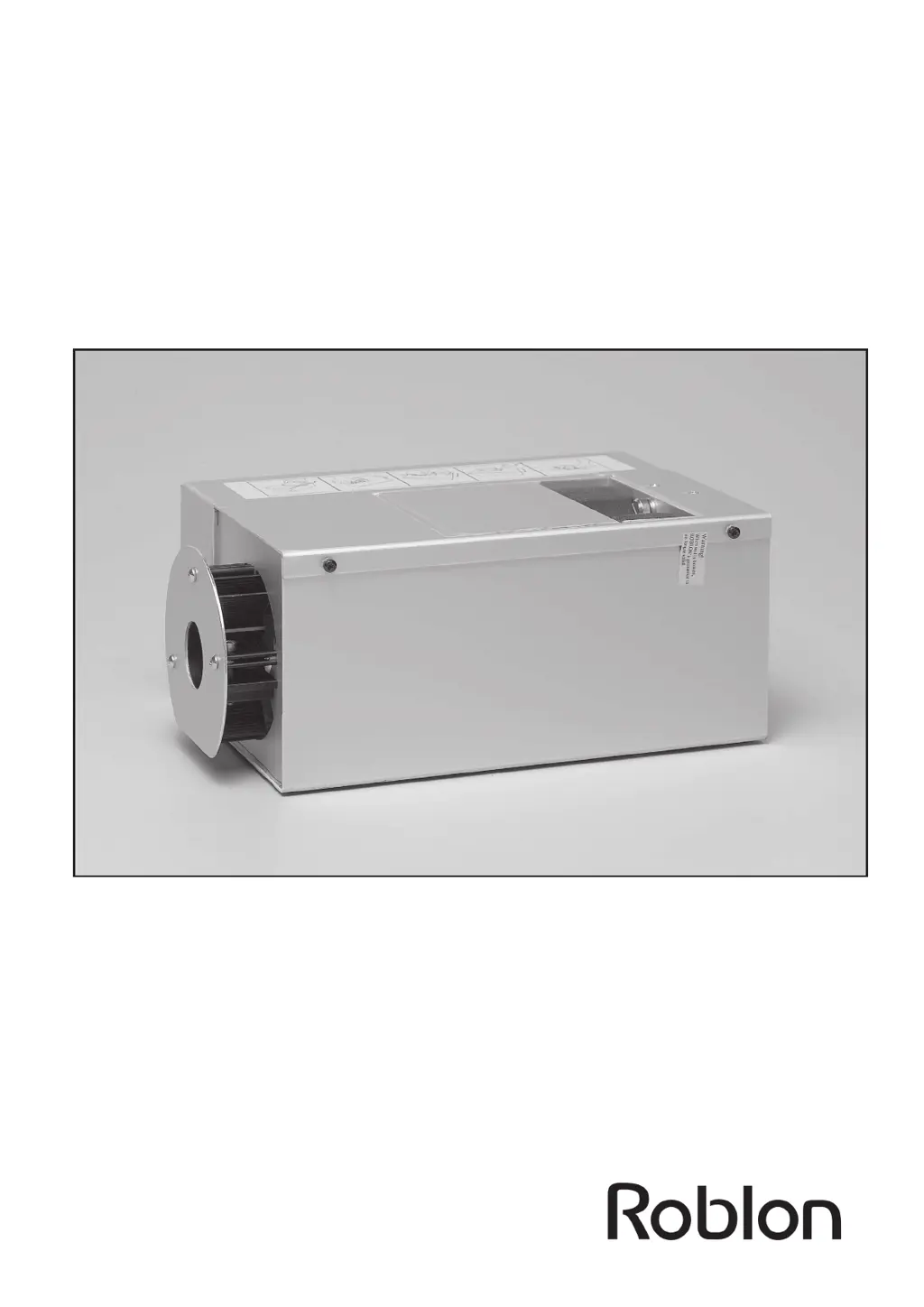
ROBLON FL 150-3 B - User Manual

ROBLON FL 150-3 B
12 pages
Print Icon
To Next Page IconTo Next Page
Loading...
F L 1 5 0 - 3 B
Metal Halide Light Generator
for Fiber Optic Lighting Systems
User Manual
This user manual describes the following product:
Item number 0161 0000 FL 150-3 B. White light.
99082019 Rev. 30.06.09

Questions and Answers

  • T
    Teresa RogersAug 5, 2025
    Why ROBLON FL 150-3 B has no light?
    • J
      Jennifer MccoyAug 5, 2025
      The ROBLON Lighting Equipment might not be emitting light due to several reasons: * The power may not be turned on. Ensure the power is switched on. * The supply fuse might be broken. In this case, replace the fuse. * The power cord might not be properly connected. Reinsert the power cord to ensure a secure connection. * The lid may not be closed properly. Close the lid and tighten the screw completely to activate the interlock. * The light generator may be too hot. Refer to the installation instructions and allow it to cool off for 10 minutes before trying again.
  • D
    Deanna ThomasAug 12, 2025
    What to do if the light output has diminished in ROBLON FL 150-3 B Lighting Equipment?
    • J
      James AndrewsAug 12, 2025
      If the light output of your ROBLON Lighting Equipment has diminished, consider the following: * The lamp may be old. Replace the lamp with a new one. * The filters may be dirty. Clean the filters to improve light output. * The fiber harness common end may be dirty. Clean the harness common end to ensure optimal performance.
  • S
    Sheila RodgersAug 20, 2025
    What to do if ROBLON Lighting Equipment light switches ON/OFF?
    • J
      Jacqueline JohnsonAug 20, 2025
      If the light in your ROBLON Lighting Equipment is switching ON and OFF, it could be due to these reasons: * The light generator might be overheating during operation. Consult the installation instructions. * The fan might be blocked. Clear the airways to ensure proper ventilation. * The fan plug might be loose. Reinsert the fan plug to secure the connection. * The fan might be broken. Replace the fan with a new one.
  • M
    michael88Aug 27, 2025
    How to fix ROBLON Lighting Equipment with no light but fan running?
    • J
      joshua21Aug 27, 2025
      If your ROBLON Lighting Equipment has no light but the fan is running, the lamp is likely blown. Replace the lamp with a new one.

Summary

1.0 Introduction

1.2 Product overview and packing list

Lists all items included in the FL 150-3 light generator package for verification upon unboxing.

1.3 Technical data

Details key technical data for the FL 150-3, including lamp type, power consumption, and safety approvals.

2.0 Installation instructions

2.1 General mounting of the FL150-3

Describes methods for free-standing, wall, and ceiling mounting of the FL 150-3 light generator.

2.2 Mounting in closed compartments

Outlines ventilation and space requirements for installing the FL 150-3 in cabinets or showcases.

3.0 Fiber types

4.0 Switching on

5.0 Care, maintenance and replacement

5.1 Maintenance tasks and explanations

Details routine tasks for maintaining the light generator's environment, fan, and filters.

5.2 Replacements tasks and explanations

Provides step-by-step instructions for replacing the lamp, fan, and supply fuse.

6.0 Troubleshooting

7.0 Spare parts and accessories

ROBLON FL 150-3 B Specifications

General IconGeneral
Lamp power150 W
Protection classI
IP classIP65
Beam Angle120°
Frequency50 Hz