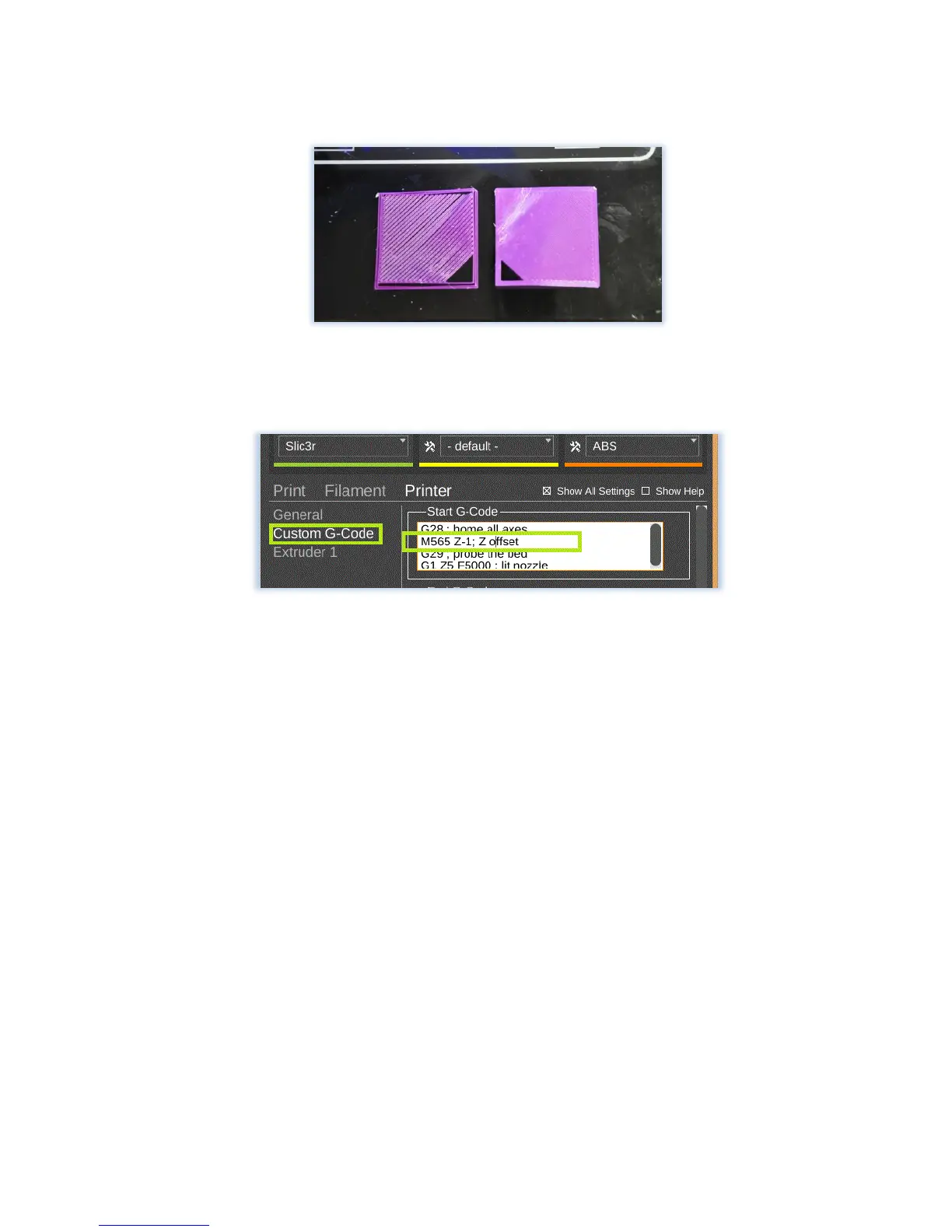
(Too High- Just right)
2. In the Custom gcode Field:
- This will also add your offset to the gcode file that is exported for printing.
- Use the M Code M565 to define your offset.
- In Mattercontrol, when you use the custom gcode field, you will need to
define your Z offset as a negative
- An example of a 1mm Z offset code would be: M565 Z-1 ; Z offset
- We recommend changing this by .2mm at a time either up or down to
achieve your desired Z offset height. An example of a 1.2mm Z offset would
be M565 Z-1.2 ; Z offset.
Extrusion-Filament Grinding
Extrusion doesn’t just depend on heat. There are a few other factors that can keep your extruder
from working:


 To Next Page