25
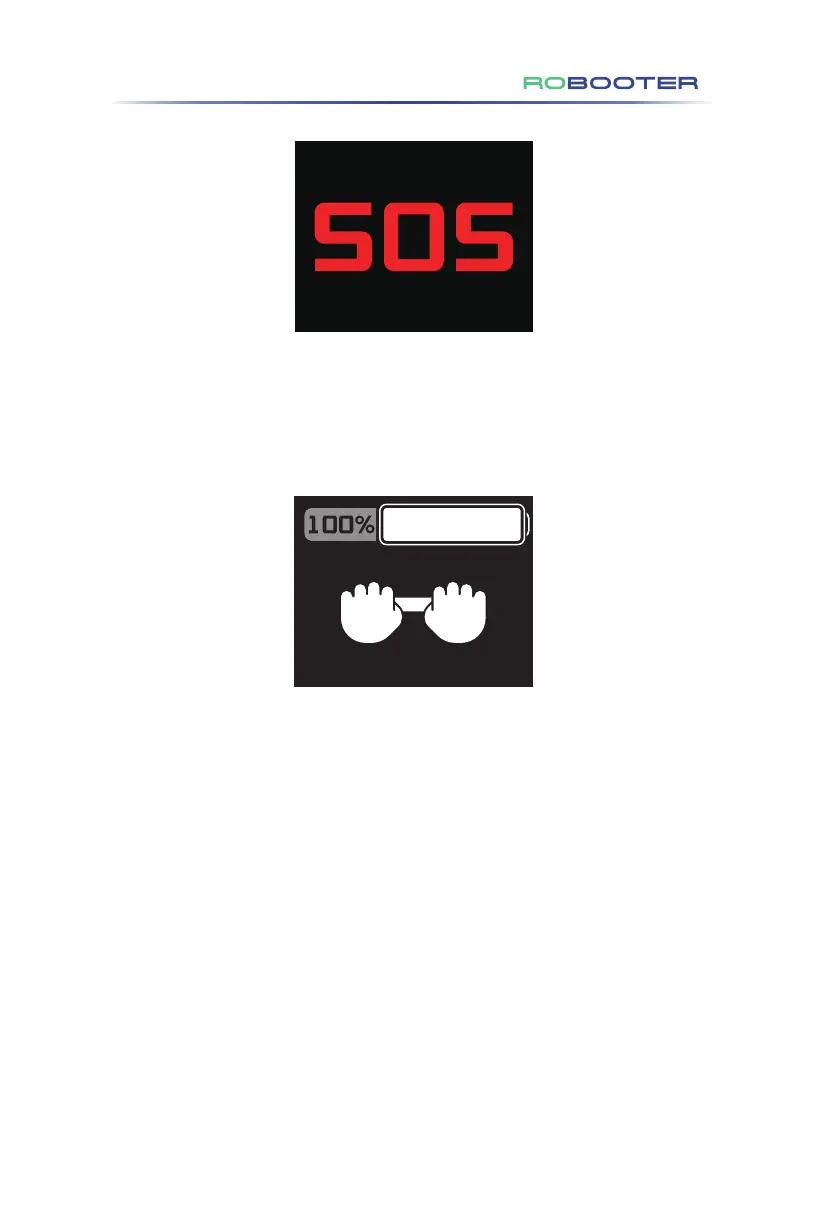
Figure 4.3.3.4
(9) SOS display (as shown in Figure 4.3.3.4)
• Long press SOS button for 3 seconds to start SOS call. The screen displays
SOS icon and flashes.
4. Using
the Electric Wheelchair
Figure 4.3.3.5
(10) Pushing Mode Display: Refer to Figure 4.3.3.5
• To activate this mode, simultaneously press and hold the "Speed ︿" and
"Speed ﹀" buttons for 3 seconds. The pushing mode icon will then appear on
the electric wheelchair's upper controller screen.


 To Next Page