24
(6) Gear Display: Refer to Figure 4.3.3.1
• Use the "︿" button to increase a gear (max up to 5 gears).
• Use the "﹀" button to decrease a gear (down to a minimum of 1 gear).
• The electric wheelchair's upper controller
screen showcases the current
speed gear.
• Gear adjustments are also feasible via the APP.
4. U
sing the Electric Wheelchair
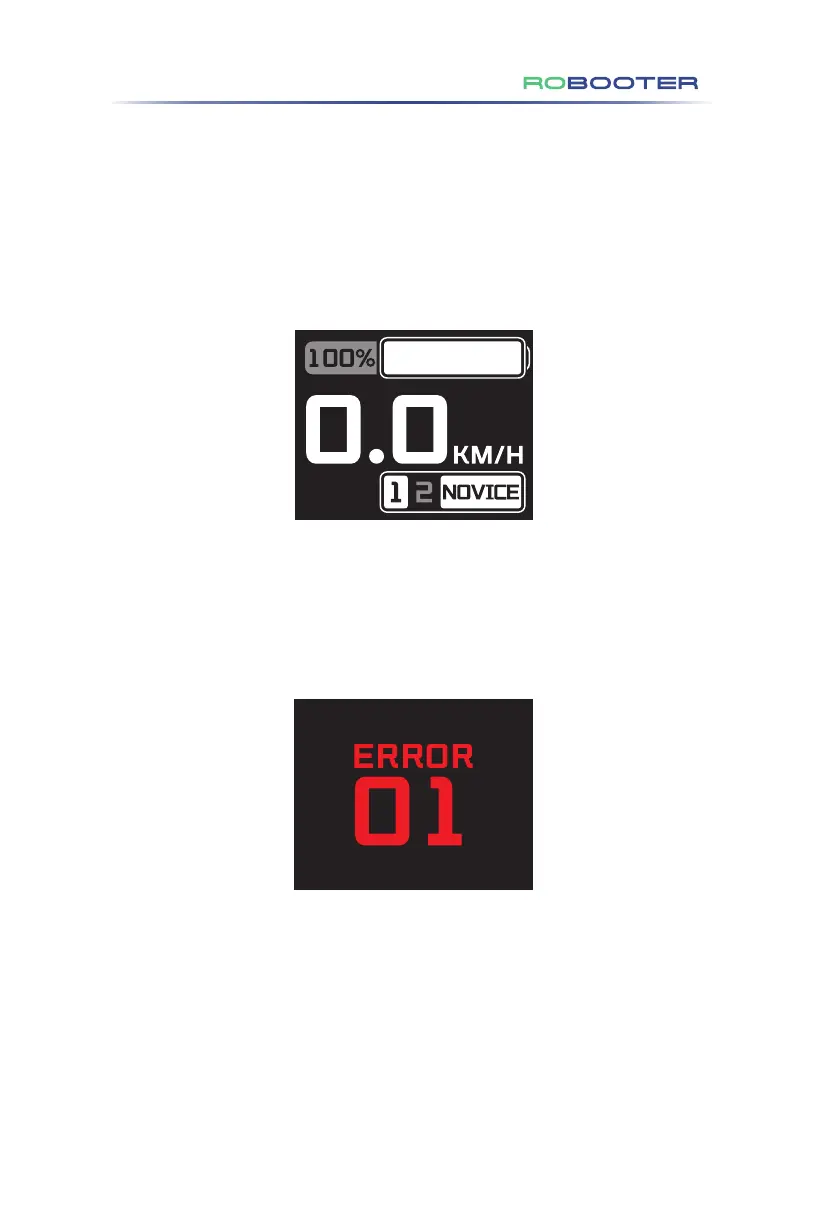
(7) Novice Mode Display: Refer to Figure 4.3.3.2
• Press the Fn button to initiate the novice mode. The screen will illustrate
gears 1 and 2, alongside the NOVICE icon. A voice prompt will announce,
"Enter the novice mode". Note: Only the first and second gears are available
in this mode.
Figure 4.3.3.2
(8) Fault Code Display: Refer to Figure 4.3.3.3
•
For diagnostic codes showcased by the built-in information diagnostic tool of
the product, please consult section 5.2 for troubleshooting specifics.
Figure 4.3.3.3


 To Next Page
 Loading...