36
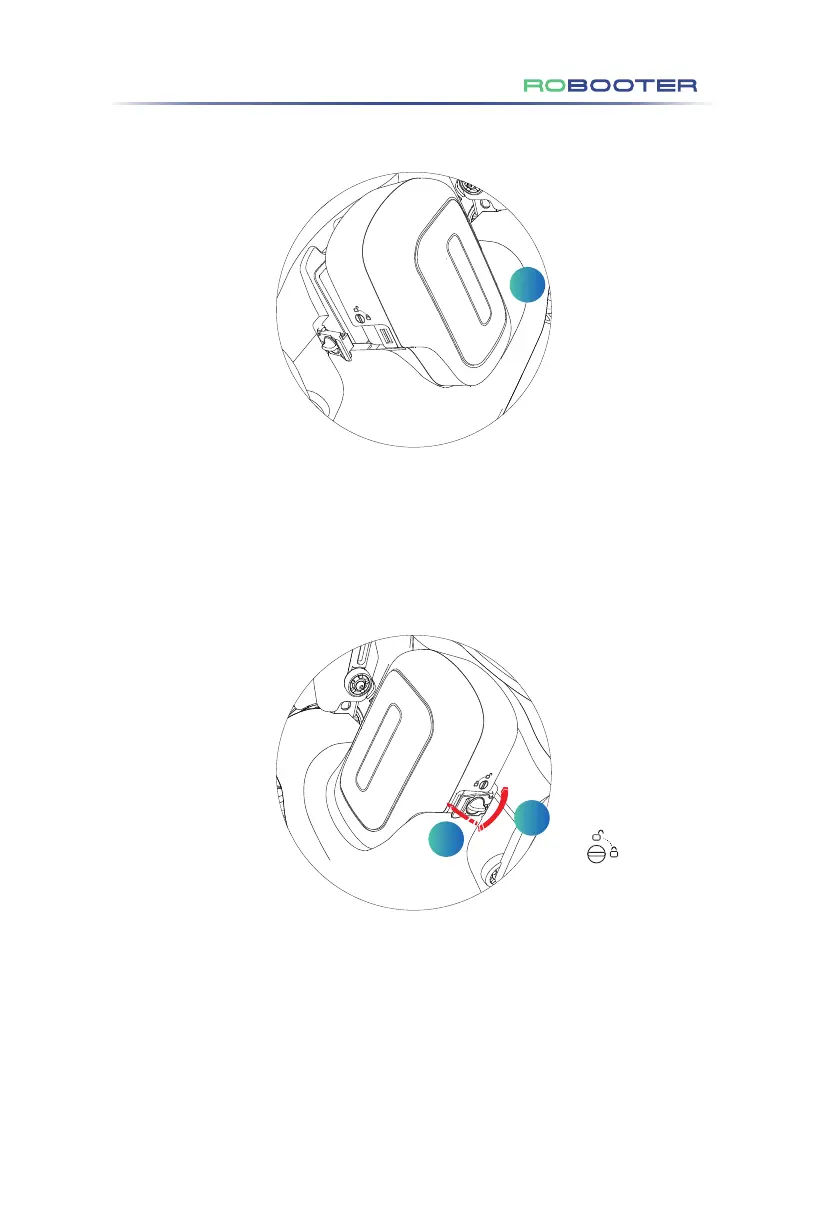
(1)In Step 1, place the battery in the cell slot in the direction shown. (As shown on
Figure 4.6.1.2.1)
Figure 4.6.1.2.1
1
4.6.1.2 Battery Installation
(2)In Step 2, manually close the battery right buckle and rotate the right knob of
the battery box with the right knob to the locked position. (As shown on Figure
4.6.1.2.2)
The horizontal state
of the knob is locked
Figure 4.6.1.2.2
2
3
4.Use of the Electric Wheelchair



 To Next Page