014
Turning Voice Alerts On/Off
Changing Voice Alert Language
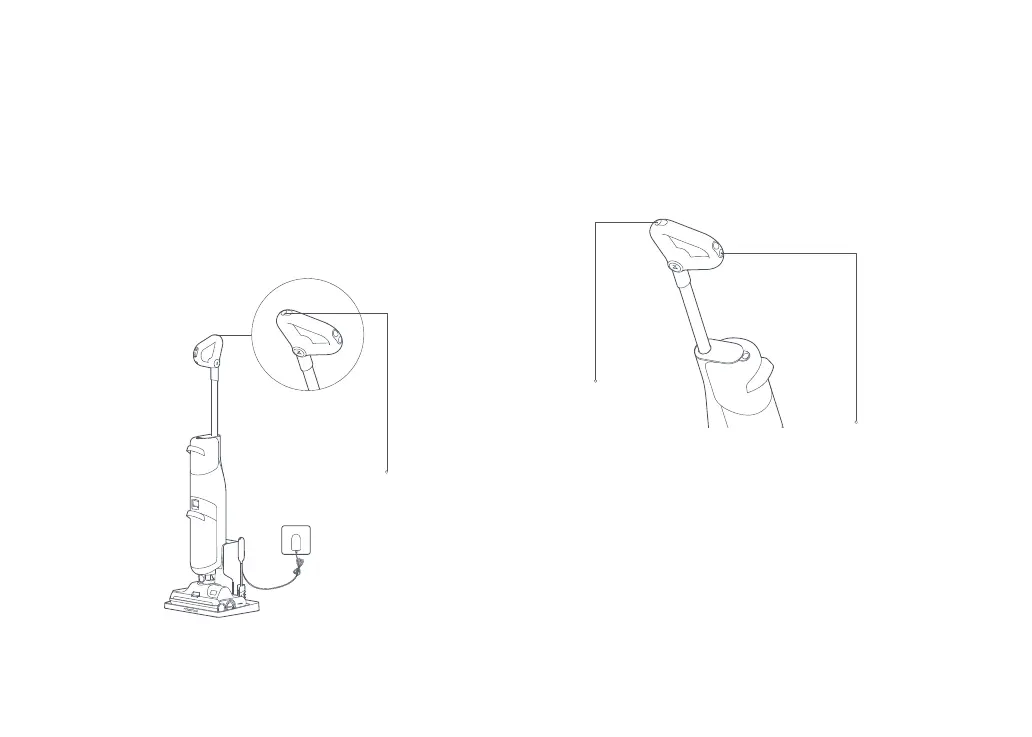
Press both Clean and Change Language/Mode buttons for 3
seconds while in standby mode to turn on/off voice alerts.
Place the vacuum on the charging dock, then press and hold
Change Language/Mode for 10 seconds to enter language
selection. Press Change Language/Mode to switch between
languages. Stop when you hear the desired language then press
and hold Change Language/Mode for 5 seconds to select it and exit
language selection. Press Power to exit without selecting.
Charging and Self-Cleaning
* Self-clean after every use.
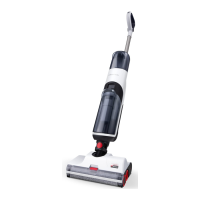
Place the vacuum upright into the charging dock. The voice
prompt "Charging" indicates that it has been placed securely.
1. Press Clean on the top of the handle to start self-cleaning. This
takes approximately 2 minutes.
2. Empty the dirty tank after Self-Cleaning is complete.
Notes:
• Always place the vacuum on the charging dock after use to prevent water stains.
• If the vacuum is off, press Power to turn it on before starting self-cleaning.
Instructions for Use
Clean
Clean
Change Language/Mode






 To Next Page