EasyManua.ls Logo

Robosoft Pressbrake ATS 550 - Keyboard Operation Guide; Keyboard Layout Overview; On;Off Key-Switch Usage; Pump Start and Stop Controls

Default Icon
35 pages
Print Icon
To Next Page IconTo Next Page
To Previous Page IconTo Previous Page
Loading...
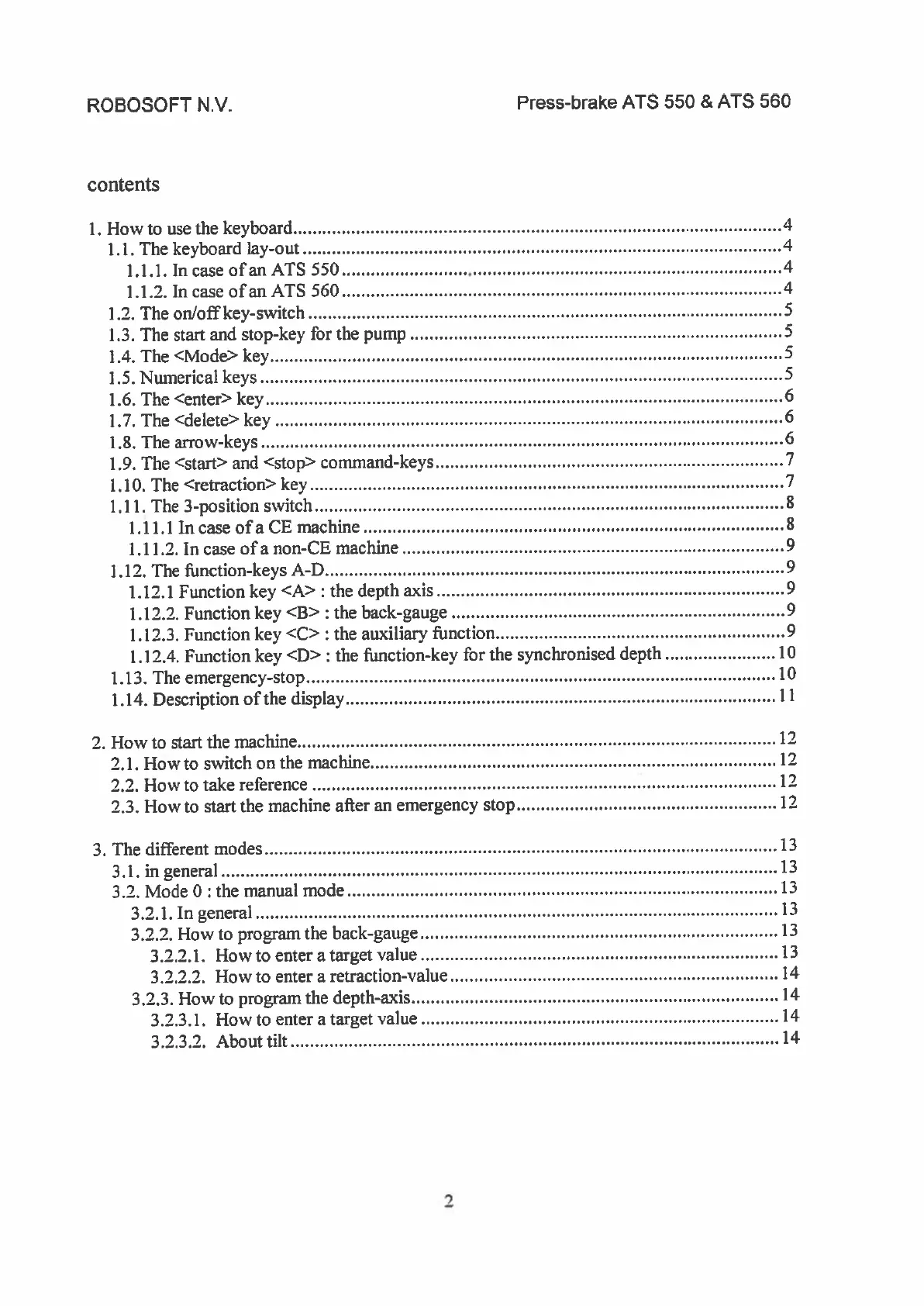
ROBOSOFT
N.y.
Press-brake
ATS
550
&
ATS
560
contents
1.
How
to
use
the
keyboard
4
1.1.
The
keyboard
lay-out
4
1.1.1.IncaseofanATS550
4
1.1.2.
In
case
ofan
ATS
560
4
1.2.
The
on/off
key-switch
S
1.3.
The
start
and
stop-key
for
the
pump
S
1.4.
The
<Mode>
key
5
1.5.
Numerical
keys
5
1.6.
The
<enter>
key
6
1.7.
The
<delete>
key
6
1.8.
The
arrow-keys
6
1.9.
The
<start>
and
<stop>
command-keys
7
1.10.
The
<retraction>
key
7
1.11.
The
3-position
switch
8
1.11,1 In
case
ofa
CE
machine
8
1.11.2.
In
case
ofa
non-CE
machine
9
1.12.
The
ffinction-keys
A-D
9
1.12.1
Function
key
<A>
:
the
depth
axis
9
1.12.2.
Function
key
<B>
:
the
back-gauge
9
1.12.3.
Function
key
<C>:
the
auxiliary
ifinction
9
1.12.4.
Function
key
<D>
:
the
Ilinction-key
for
the
synchronised
depth
10
1.13.
The
emergency-stop
10
1.14.
Description
of
the
display
11
2.
How
to
start
the
machine
12
2.1.
Howto
switch
on
the
machine
12
2.2.
How
to
take
reference
12
2.3.
How
to
start
the
machine
after
an
emergency
stop
12
3.
The
different
modes
13
3.1.ingeneral
13
3.2.
Mode
0
the
manual
mode
13
3.2.1.Ingeneral
13
3.2.2.
How
to
program
the
back-gauge
13
3.2.2.1.
How
to
enter
a
target
value
13
3.2.2.2.
How
to
enter
a
retraction-value
14
3.2.3.
How
to
program
the
depth-axis
14
3.2.3.1.
How
to
enter
a
target
value
14
3.2.3.2.
About
tilt
14
7

Related product manuals