5
hired for the following operations:
Start-up of the boiler.
Adjustments.
Verification that the air inlets and ventilation of the
premises where the boiler is installed comply with
regulations.
If the boiler receives no electrical supply, the
permanent protection system will not be activated.
In this case, it will have to be emptied to avoid the
risk of freezing.
Fume evacuation safety
B11BS boilers (only R-20, R-20P, R-20A and
R-20AP) are equipped with a device for evacuation
control of the products of combustion. In the case
that the boiler observes any disturbance in the
evacuation of the said products, the gas supply
will be interrupted and the corresponding error
code will be displayed. See section on ”Error
codes”.
CE Marking
Roca wall-mounted gas boilers comply with
the European Directive 89/336/EEC on
Electromagnetic Compatibility, European
Directive 90/396/EEC on Gas Appliances,
European Directive 73/23/EEC on Low
Voltage, and European Directive 92/42/CEE
on Performance.
For version P boilers only
(Programmable)
Control panel
See Figure 1.
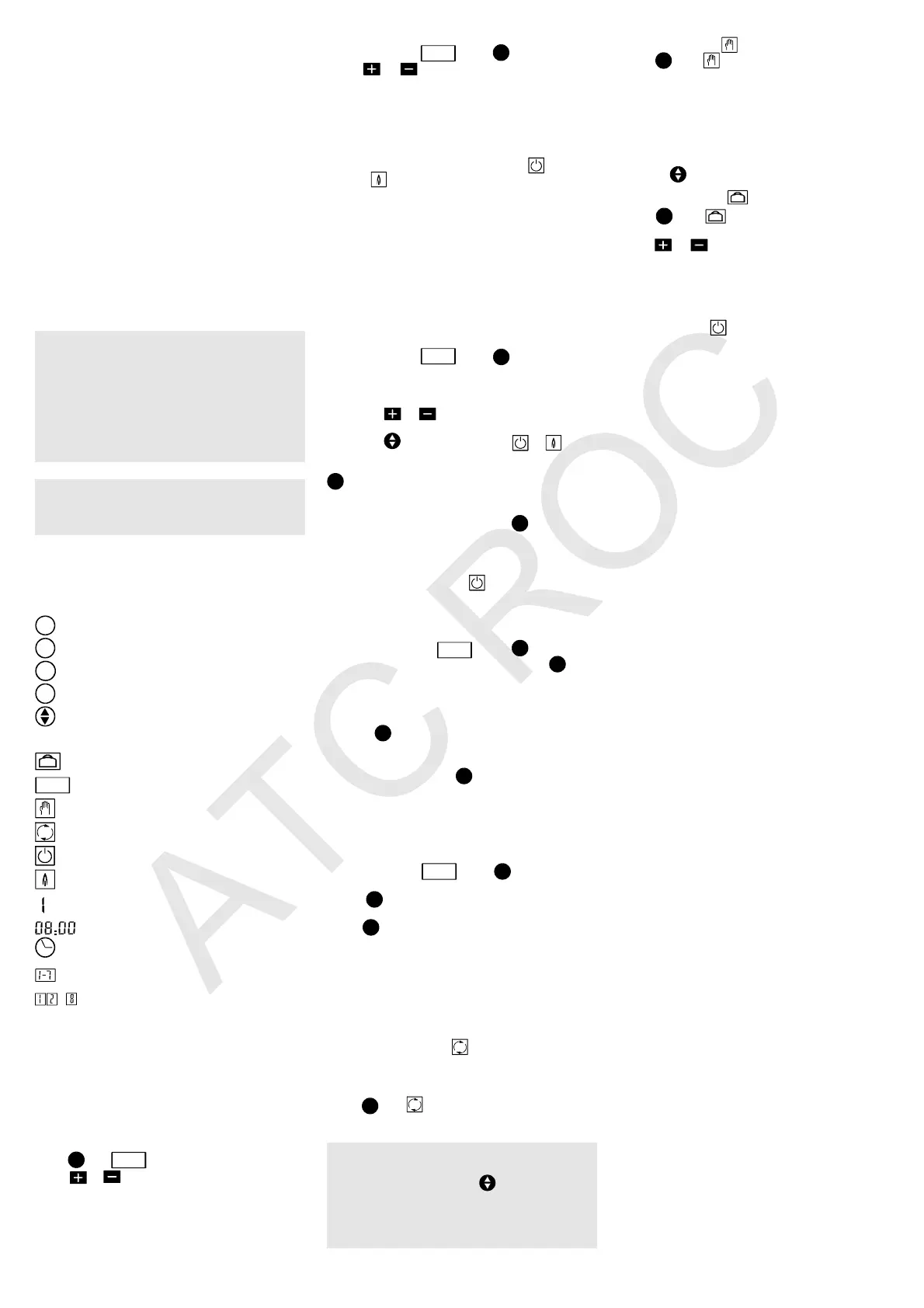
Additional buttons
A
Cursor transfer to an operation mode.
B
Time or function change adjustment.
C
Programming adjustment.
D
Daily programme copy.
Stop/start selector.
Additional screen symbols
Holiday operation mode.
PRO
Weekly programming.
Manual operation mode.
Automatic operating mode.
Stop Heating service.
Star Heating service.
Weekday or holiday.
Actual time or time of function change.
Time adjustment.
Weekday adjustment.
...
Changes of function
Programming the Heating
The boiler offers multiple programming options,
ensuring the right level of comfort at all times and
permitting considerable energy savings. In order
to programme the Heating service, proceed in the
following order:
Adjusting the day and time
Day of the week
Press
A
until
PRO
is highlighted. See Figure 18.
Press or until the right day is highlighted (1
is Monday, 2 is Tuesday, etc.).
Time of day
With the cursor at
PRO
, press
B
. See Figure 19.
Press or until the right time is displayed.
Holding one of the buttons down will enable you
to change the time faster.
Weekly programming
Up to 8 different changes of function can be
programmed each day. Each change must be
assigned a time and a stop order ( ) or start
order ( ). During the course of the day, the
boiler will execute the order programmed at the
time given.
A normal programme might be to start the day with
a start order and precede it with a stop order, as in
the standard programme. However, if necessary,
a series of stop and start orders may be assigned,
and the day may be started with a stop order.
The boiler will not change its operation in the
programming until it encounters an order which
cancels the previous one.
Programming a day
With the cursor at
PRO
, press
C
. See Figure 20.
The digit corresponding to the day appears on the
screen, with the first change ready to be
programmed.
a - Press or until the time required for the
change of function is displayed.
b - Press to assign an order ( or ). See
Figure 21.
Having selected the first change of the day, press
B
to programme the second change (see Figure
22). Assign the time and order required, as
described above. (Steps a. and b.). Continue to
press the change function key (
B
), repeating
steps a. and b. to programme the remaining 6
changes of the day.
Note: The remaining time changes must be left at
00:00, with a stop order ( ). See Figure 23.
Programming the next day
There are two options:
- Repeat the programming of the previous day.
With the cursor at
PRO
, press
C
until you get
to the day you wish to copy. Press
D
.See
Figure 24. The digit corresponding to The next
day appears, along with its first change of
function: the full programme of the previous day
has been copied.
Press
D
again as many times as required to
repeat the programme of the previous day.
- Set a programme different from that of the
previous day. Press
C
. See Figure 25. The
following day appears, with the standard
programme. Proceed to programme it as
desired, following the steps described in the
previous section, ”Programming a day”.
Programme check
With the cursor at
PRO
, press
C
. See Figure 26.
The day and its first time change are displayed.
Press
B
to confirm that the programming is
correct, or else make the corrections required.
Press
C
to view the programming for the rest of
the week.
We recommend that you write your programme
on page 3.
Operating modes
There are 3 operating modes for the boiler in the
heating service:
Automatic mode
This is the normal operating mode. See Figure 27.
When in this position, the boiler operates according
to the programmes established.
Press
A
until is highlighted: the day, time and
order assigned are displayed. The programme will
be carried out automatically.
Important: If, due to some change in your
timetable, you wish to invert the current
programmed order, press . See Figure 28.
The boiler will resume the established
programme at the next change of function. You
may use this option as often as you need to,
without affecting the weekly programme.
Manual mode
Press
A
until is highlighted. See Figure 29.
The day, time and continual operation order are
displayed. In this mode, the boiler will operate
continually without taking the programming into
account. It will only stop if triggered by an ambient
thermostat or, if there are none, when the selected
Heating temperature is reached.
Continual stop or start orders may be entered by
pressing .
Holiday mode
Press
A
until is highlighted: The time and
days of holidays are displayed. See Figure 30.
Press or to indicate the days of absence.
The boiler will remain inactive for that period, and
will start up again automatically on the day of your
return.
Remarks
The stop order ( ) does not interrupt the DHW
service. See Figure 31.
If no electricity is reaching the boiler, the screen
will display the symbol of the service that was being
offered and the time. See Figure 32. In this case,
the programmes will remain in memory for
approximately 30 daies.


 To Previous Page
 Loading...