EasyManua.ls Logo

Roca SENTRONIC-S A5A8102C00 - User Manual

Roca SENTRONIC-S A5A8102C00
12 pages
Print Icon
To Next Page IconTo Next Page
Loading...
A525167603
A525167703
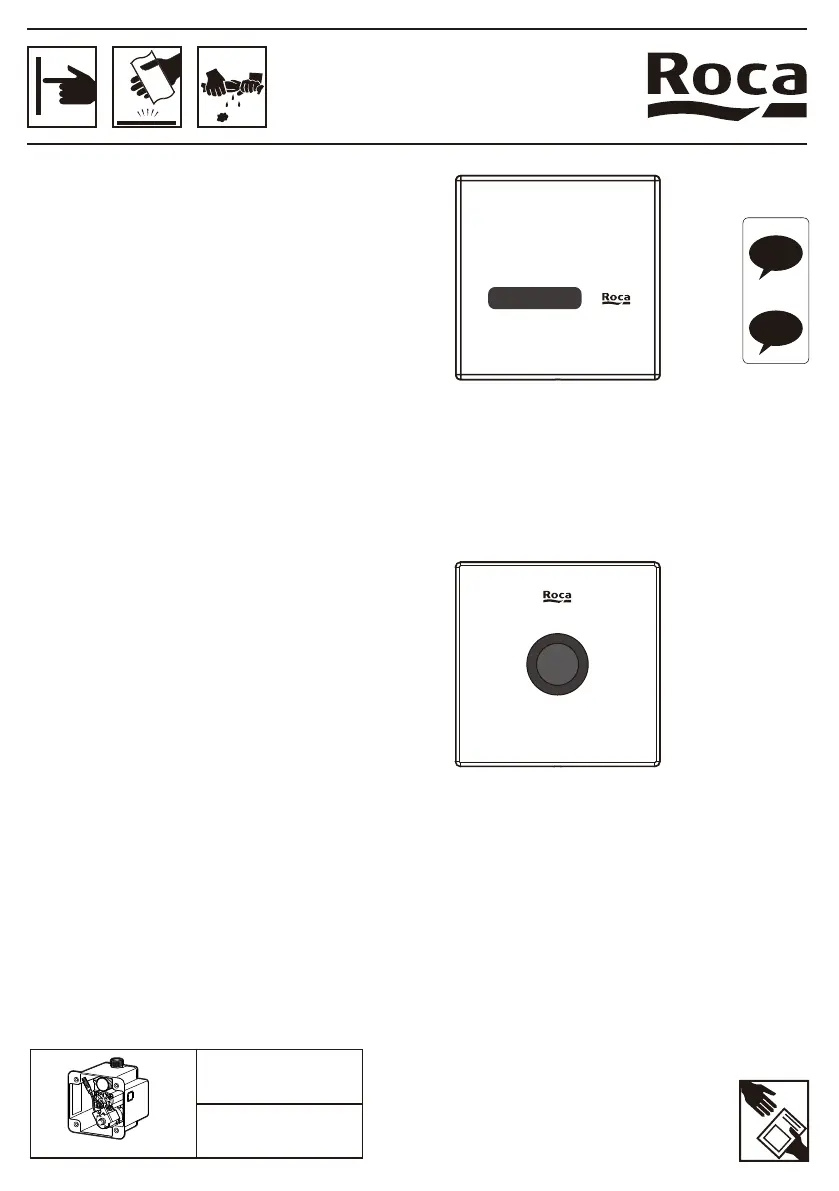
SENTRONIC-S
Urinal sensor panel
A5A8102C00
A5A8102CM0
A5A8102B00
SENTRONIC-R
A5A8202C00
A5A8202CM0
A5A8202B00
EN
ES

Questions and Answers

  • A
    Andrea BrownAug 4, 2025
    What to do if my Roca SENTRONIC-S A5A8102C00 aren't flushing and the LED is always on?
    • J
      janethawkinsAug 4, 2025
      If your Roca Bathroom Fixture isn't flushing and the LED indicator remains constantly on, it's likely that the batteries are depleted if you're using a DC type system. Replace the batteries to resolve this issue.
  • B
    Brandon SmithAug 19, 2025
    Why is there not enough water in my Roca Bathroom Fixtures?
    • B
      Brian RhodesAug 19, 2025
      If your Roca Bathroom Fixture isn't providing enough water, it could be due to the following reasons: 1. The inlet valve might not be fully open. Make sure to fully open the inlet valve. 2. The filter could be blocked. Clean the filter to ensure proper water flow. 3. The water pressure might be too low. Contact your water supplier to check the water pressure in your area.

Summary

Attention

Part List

Installation Procedure

Uninstall Mud Protection Box

Remove the mud protection box before proceeding with installation.

Fixing Bracket

Fix the base bracket to the valve box and open the water knob.

Connect Cable and Battery

Connect panel sensor cables to the solenoid valve and power switch.

Setting

Install Panel Unit

Fix the panel into the wall and secure it using a hex wrench.

Distance Adjustment

Adjust the sensor detection distance in reduced space environments.

Flushing Mode Selection

Choose between Water saving and Intensive clean flushing modes.

Operational Working Procedure

Environment Protection Flushing Mode

Details on fixed-time flushing and automatic cleaning.

Maintenance Mode

Manual Flush

Switch to manual flush mode for cleaning or other purposes.

Switch Off Flush

Steps to turn off flush for maintenance or cleaning.

Low Battery Indication and Replacement

Understand low battery indicators and how to replace batteries.

Adjust Water Flow Rate

Clean the Filter

Battery Replacement

IR Filter Cleaning

Specification

Troubleshooting

Roca SENTRONIC-S A5A8102C00 Specifications

General IconGeneral
Product NameRoca SENTRONIC-S A5A8102C00
Product TypeElectronic Basin Mixer
CategoryBathroom Fixtures
TypeSensor Tap
MaterialBrass
FinishChrome
ActivationInfrared Sensor
InstallationDeck-mounted
Power SupplyBattery
Water Pressure0.5 - 5 bar
Temperature ControlAdjustable
CertificationEN 817

Related product manuals