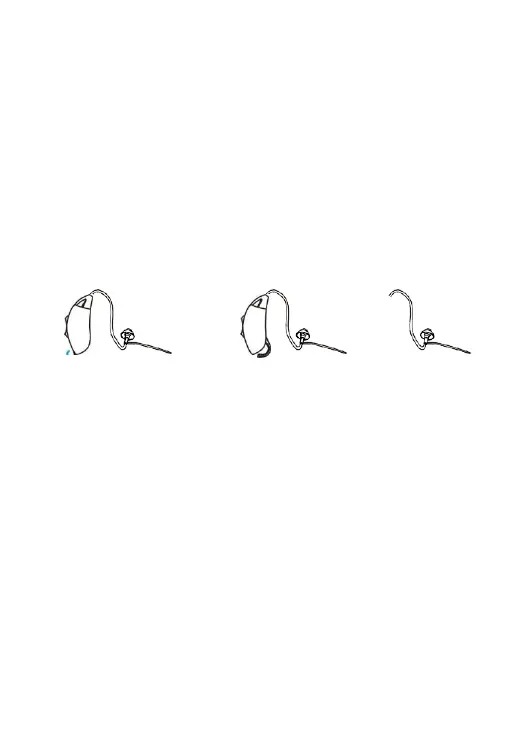
Replacing the battery
I . Switch off the hearing instrument by opening the battery door.
2. Remove the old battery.
3. Remove the protective foil from the new battery.
4. Insert the new battery, be sure that the plus (+) is facing up.
5. Close the battery door.
Important: Handle the battery door gently. The operation requires
only a minimum force. If there is any resistance when closing the
battery door, ensure that the battery is correctly inserted. The battery
door cannot be closed if the battery is inserted incorrectly.
10



 To Next Page