10
Managing Bluetooth connections and settings in
Windows Vista or Windows 7
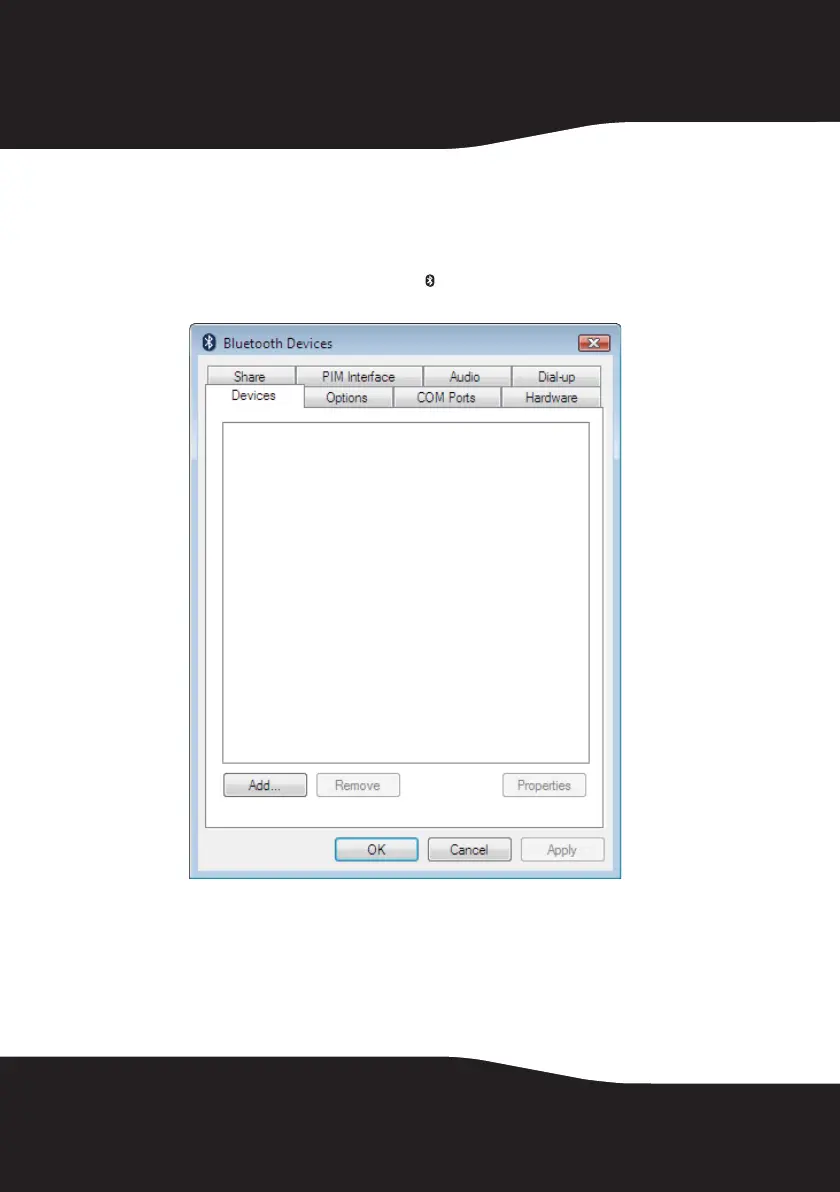
To manage Bluetooth connections and settings in Windows Vista or Windows 7:
1 Double-click the Bluetooth icon in the task bar. The Bluetooth Devices
window opens.
2 Click a tab at the top of the window to navigate through the options.
3 Make changes, as needed, then click:
• Apply to confirm a setting without closing the window.
• OK to confirm a setting and close the window.
• Cancel to cancel the setting and close the window.


 To Next Page