17RF-HD35
5 You can begin the backup by either:
Pressing the one-touch backup button on the front of the enclosure.
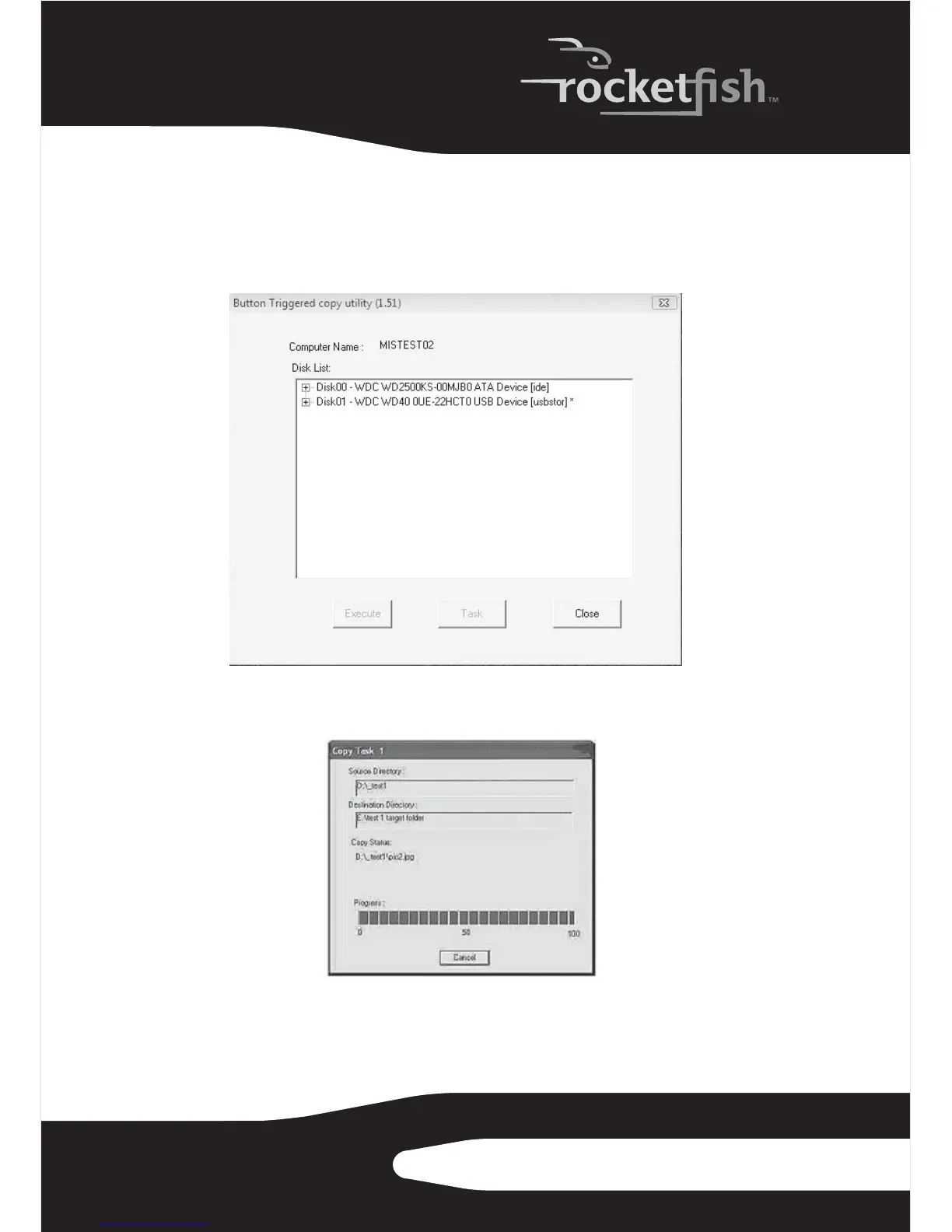
Or, double-clicking the Button Triggered Copy Utility icon in the task bar. The
Button Triggered Copy Utility window opens.
Click Execute to begin the backup. A progress window shows you the
progress of your backup (if you want to stop the backup, click Cancel).


 To Next Page