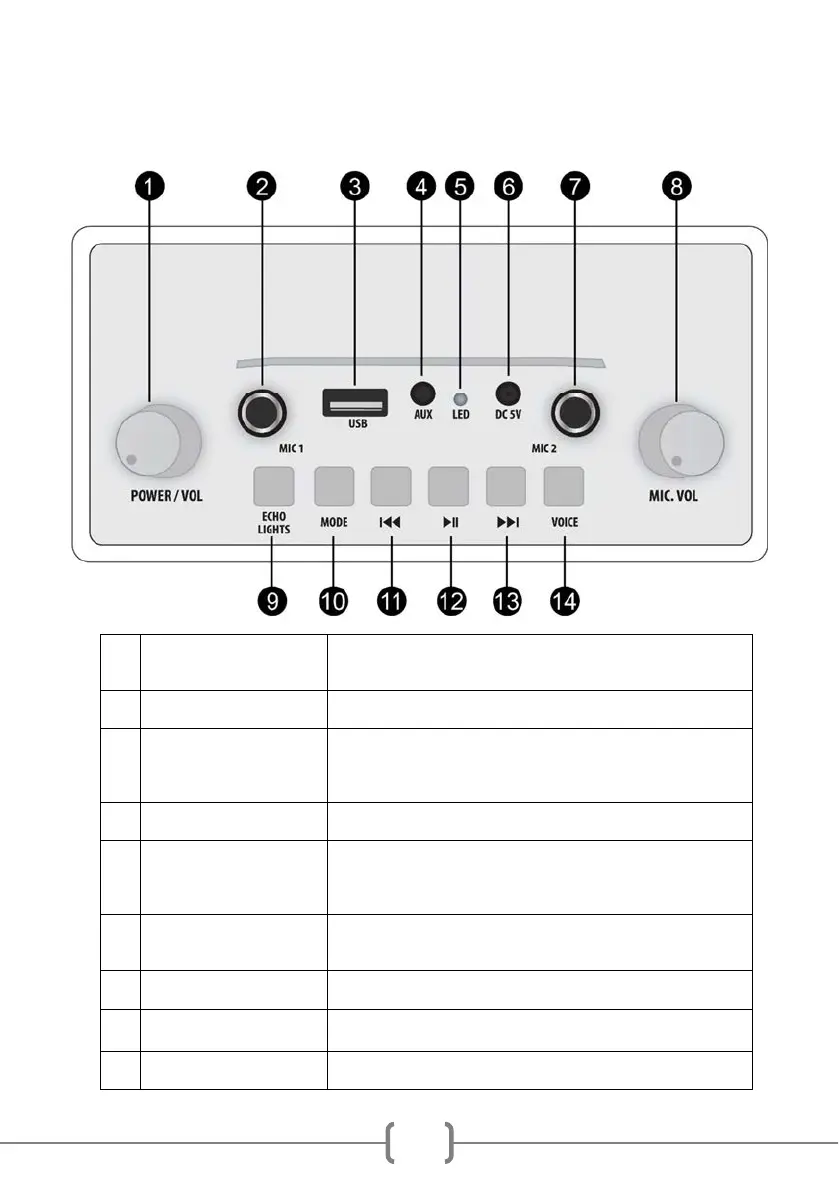
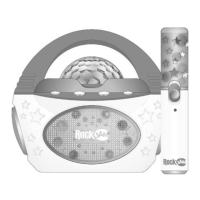
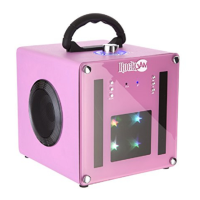
Location of Controls
1
CONTROL
Turn to power on or off. When powered on, turn to adjust the output
volume.
2
Plug in the microphone supplied here.
3
Connect a USB drive to play stored MP3 music files.
You can also use this port to charge your phone by using the speaker
as a power bank.
4
Connect the external audio device here with the cable supplied.
5
LED
Lights up red during charging and goes off when fully charged.
NOTE: The speaker can be left connected to the charger when off or
in use; it will not overcharge.
Connect the USB charge cable here and charge from a USB charger
or computer USB port.
7
Plug in the microphone supplied here.
8
CONTROL
Turn to adjust the output volume of the plugged-in microphone/s
9
ECHO: Press once for low echo, press again for high echo, press a
third time to turn the echo off. Press again to turn the echo back on.


 To Next Page