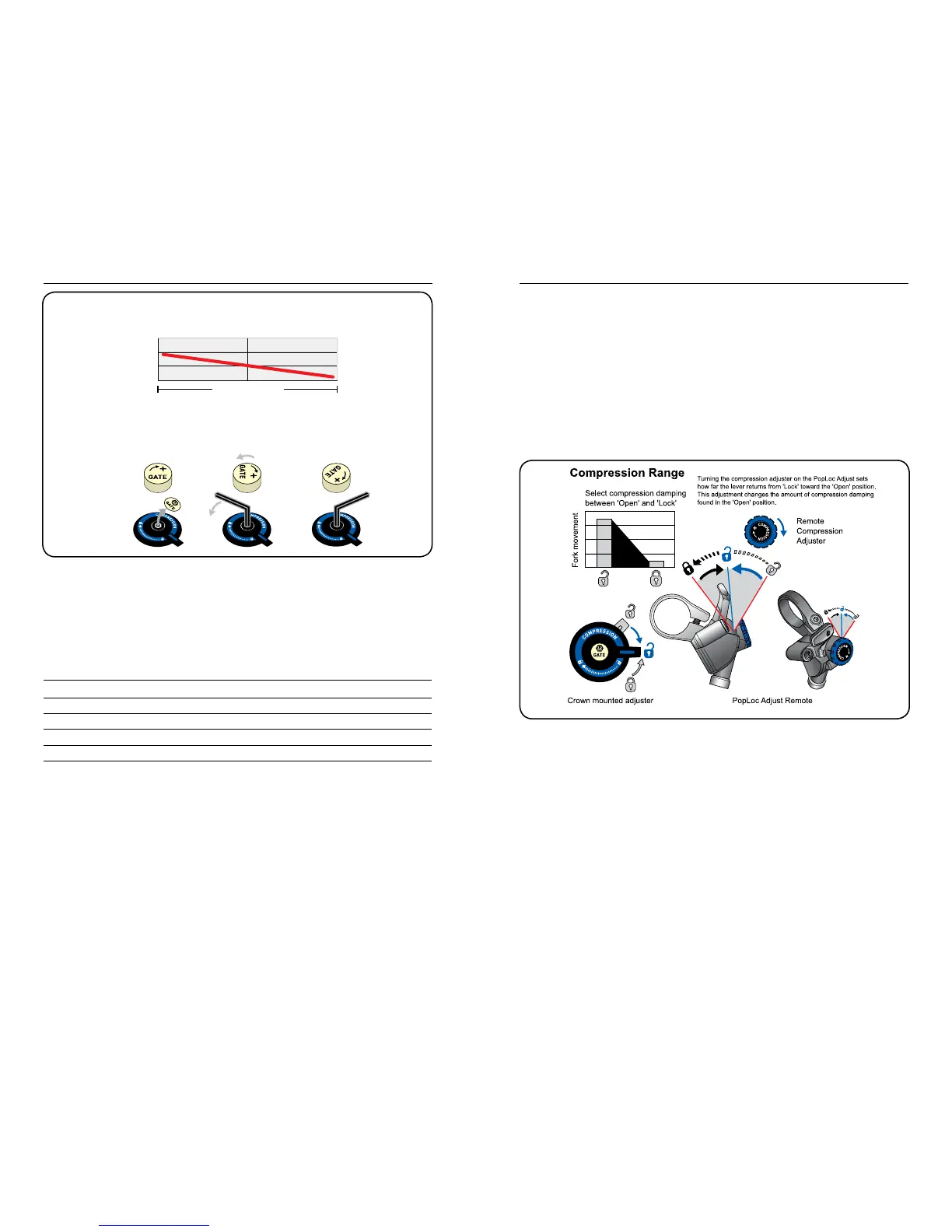
Compression Adjustment (Fig. 4)
Some fork models also feature adjustable compression damping. Increased compression decreases fork
movement in the ‘Open’ position. Compression adjustment can be used to help combat brake dive and
“squatting” under hard cornering.
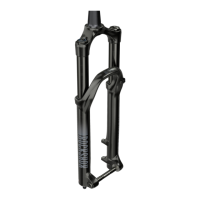
For crown activated forks, compression damping increases to ‘Lock’ as the crown-mounted actuator rotates
clockwise. Position the actuator anywhere within the range from ‘Open’ to ‘Lock’ to suit the desired level of
compression damping.
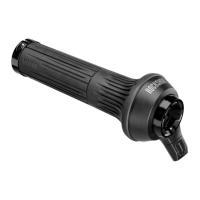
Forks equipped with the PopLoc Adjust provide compression damping adjustment for the ‘Open’ position.
Turning the blue adjuster on the PopLoc adjust clockwise increases compression damping for the ‘Open’
position. The PopLoc lever features gradients to help illustrate the current level of compression. Eight
complete turns of adjustment are provided.
Tip: Adjusting compression on forks equipped with PopLoc Adjust is best done with the fork in ‘Lock’ position.
Note: The compression setting does not adversely effect your fork’s performance over high speed impacts.
Fig. 4
Under ‘Lock’, heavier riders may nd better performance with maximum Floodgate settings, while lighter
riders may nd minimum Floodgate settings work best. Experiment with higher or lower Floodgate settings
while on the trail to optimize your fork for your riding style and performance preferences.
Use the charts below to establish an initial Floodgate setting.
All settings from Maximum Floodgate (or full clockwise)
Tip: the rebound adjuster on the bottom right fork leg can be used to adjust internal Floodgate models.
Gently pull downward on the rebound adjuster for removal. Remove the gold ‘Gate’ dust cap and insert the
2.5mm hex end of the rebound adjuster into the Floodgate. Don’t forget to re-install the adjuster after use!
RIDER WEIGHT
Lb (kg)
FULL TURNS
counterclockwise
FULL TURNS
counterclockwise
< 140 (63kg) 4 - 5
2.0
+
140 - 160 (63 - 72kg) 3 - 4 1.5 - 2.0
160 - 180 (72 - 81kg) 2 - 3 1.0
- 1.5
180 - 200 (81 - 90kg) 1 - 2 0.5 - 1.0
> 220 (99kg) 0
- 1 0.0 - 0.5
EXTERNAL FLOODGATE INTERNAL FLOODGATE



 To Next Page