EasyManua.ls Logo

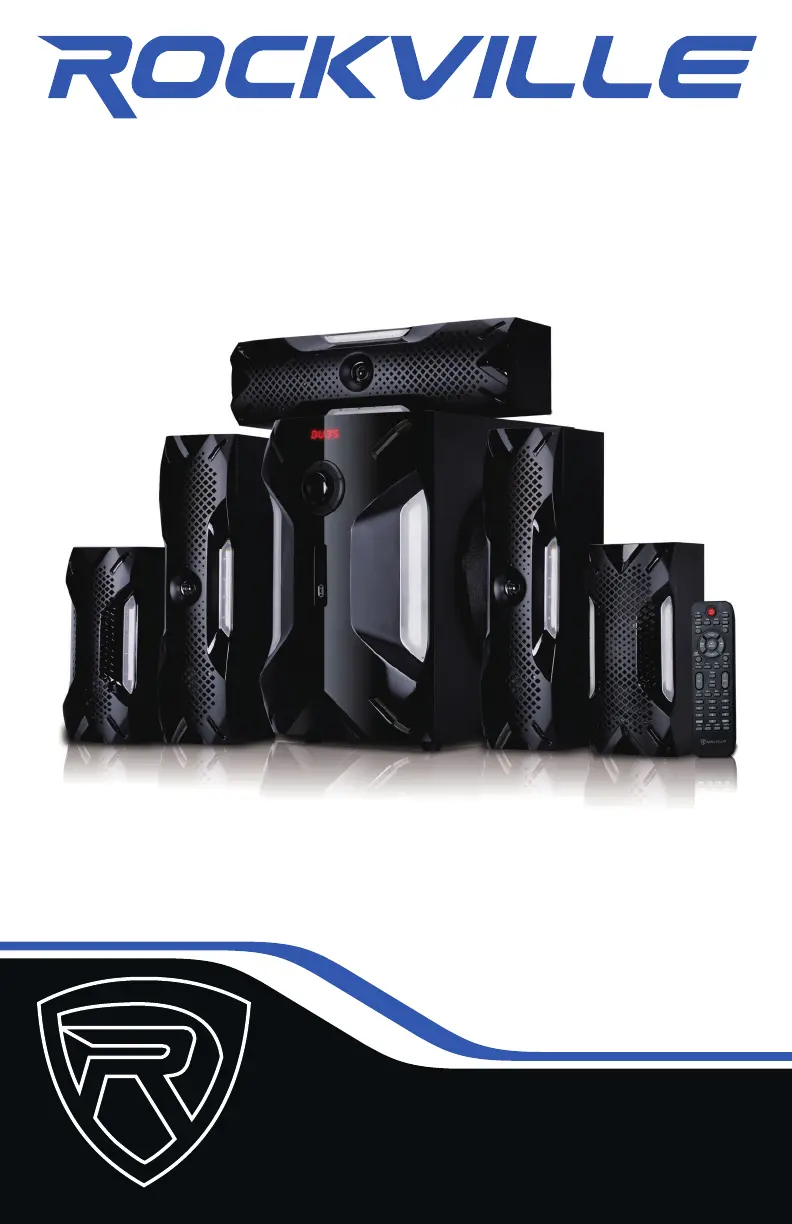
Rockville HTS56 - User Manual

Rockville HTS56
16 pages
Print Icon
To Next Page IconTo Next Page
Loading...
OWNER’S MANUAL
5.1 CHANNEL HOME THEATER SYSTEM
WITH LED LIGHT EFFECTS
HTS56HTS56

Questions and Answers

Summary

Important Safety Instructions

Set Up

Positioning the Speakers

Rear Panel

Power input

Connects the unit to the power source. Located on the rear panel.

Power switch

Turns the unit ON or OFF. Located on the rear panel.

RCA AUX in

Auxiliary audio input for connecting external devices.

Front Panel (Master Unit)

Input

Selects input source (AUX, SD, USB, FM).

Standby

Enters standby mode by pressing and holding.

Master volume

Adjusts the overall system volume.

Remote Control Functions

Bluetooth

FM Radio

USB;SD

Summary

Important Safety Instructions

Set Up

Positioning the Speakers

Rear Panel

Power input

Connects the unit to the power source. Located on the rear panel.

Power switch

Turns the unit ON or OFF. Located on the rear panel.

RCA AUX in

Auxiliary audio input for connecting external devices.

Front Panel (Master Unit)

Input

Selects input source (AUX, SD, USB, FM).

Standby

Enters standby mode by pressing and holding.

Master volume

Adjusts the overall system volume.

Remote Control Functions

Bluetooth

FM Radio

USB;SD

Rockville HTS56 Specifications

General IconGeneral
System Type5.1 Channel Home Theater System
Frequency Response20Hz - 20kHz
Bluetooth Range33 Feet
Remote ControlYes
Subwoofer8"
Center Speaker Features3" Full Range
InputsUSB, SD Card, RCA
Total Power Output1000 Watts Peak / 500 Watts Program / 250 Watts RMS
Satellite Speakers3" Full Range

Related product manuals