EasyManua.ls Logo

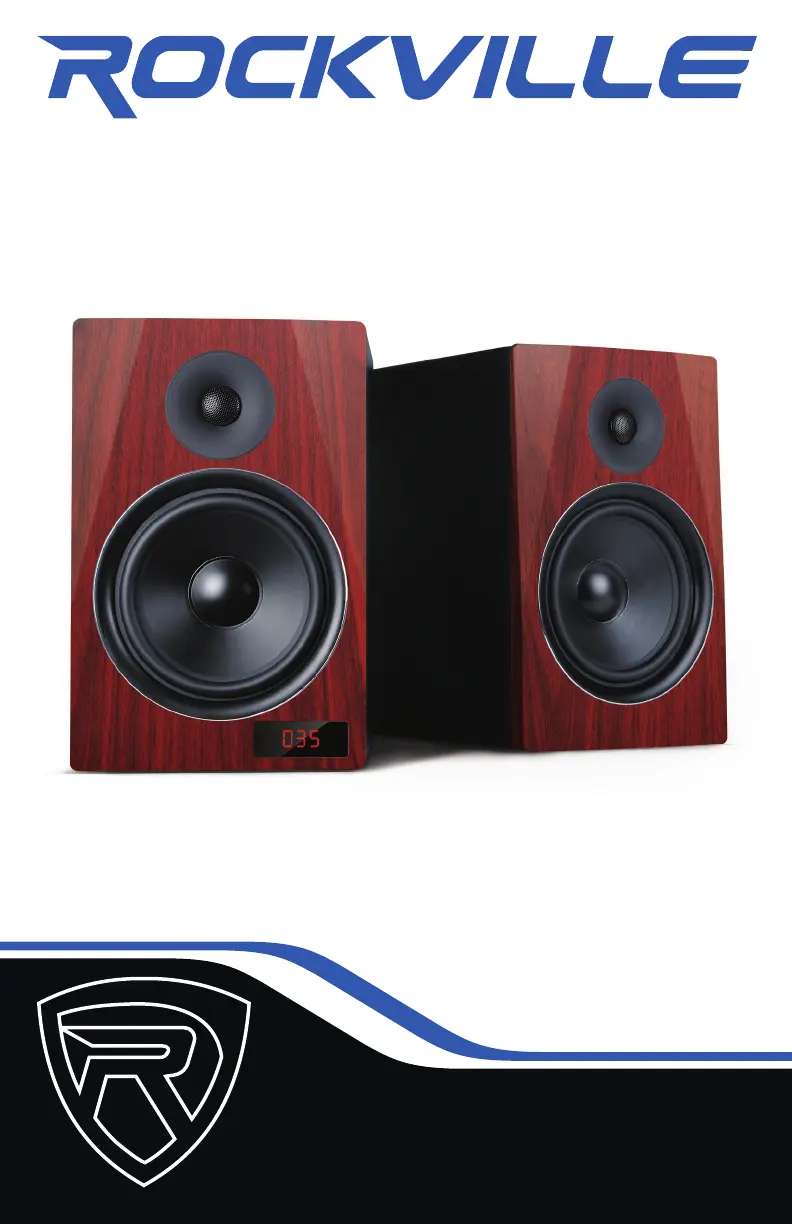
Rockville HTS8 - User Manual

Rockville HTS8
12 pages
Print Icon
To Next Page IconTo Next Page
Loading...
OWNER’S MANUAL
8 INCH COMPLETE POWERED ALL IN
ONE ENTERTAINMENT SYSTEM
HTS8HTS8

Questions and Answers

  • A
    Anna DunnJul 28, 2025
    Why is there no sound coming from my Rockville Home Theater System?
    • T
      Thomas GardnerJul 28, 2025
      If you are experiencing a lack of sound, verify that you've selected the correct source. For USB/SD audio, ensure both volume controls are properly adjusted (refer to the USB/SD section for volume settings). If using Bluetooth, check that all three volume controls are correctly configured (see the Bluetooth section for volume settings). Also, ensure you've selected external speakers in your TV's sound output settings and deactivate Dolby Pro-Logic, Dolby ATMOS, etc., selecting PCM in your TV's sound format settings.
  • S
    Shelby SmithAug 3, 2025
    What to do if my Rockville Home Theater System won't pair via Bluetooth?
    • A
      Andrea HallAug 3, 2025
      If Bluetooth pairing fails, ensure that both devices are powered on and your Bluetooth device is discoverable. Try turning both devices off and then on again. Also, make sure you've selected the correct source and that the Bluetooth device is within 5 feet of the unit. Move both devices away from other Bluetooth devices, microwaves, wireless routers, and other electronics. Confirm that all 3 volume controls are set properly (see Bluetooth section for volume settings) and that the unit is not paired to a previously paired device.
  • S
    Scott MartinezAug 8, 2025
    How to fix a Rockville Home Theater System that has no power?
    • B
      burnsmichelleAug 8, 2025
      First, ensure the unit is plugged in and the power switch is in the ON position. Next, check that the power cable is securely plugged into the unit. Finally, inspect the fuse and replace it if necessary; refer to the fuse replacement diagram.
  • J
    jeffreypageAug 15, 2025
    What to do if there is no sound when receiving TV input on my Rockville Home Theater System?
    • W
      William VasquezAug 15, 2025
      If there's no sound when receiving TV input, select the proper audio option from your TV settings. If you're using RCA cables, ensure they are plugged into the output jacks of the TV and the input jacks of the speaker.
  • N
    Nancy MarquezAug 21, 2025
    What to do if files on SD or USB memory device will not play back on Rockville Home Theater System?
    • T
      Tyler BlackAug 21, 2025
      If files on an SD or USB memory device won't play, first, make sure you've selected the correct source. Second, ensure that the audio files are in the specified format (see Features section).

Summary

IMPORTANT SAFETY INSTRUCTIONS

Electrical Safety and Warnings

Crucial safety warnings including electrical shock risks and general precautions.

General Usage Precautions

Guidelines for safe placement, operation near water, heat, and proper cleaning methods.

Remote Control and Rear Panel

Remote Control Functions

Details on using the remote control for various system functions and modes.

Rear Panel Connections

Overview of all input and output ports on the master unit's rear panel.

Setup and Connectivity

Initial Setup

Step-by-step guide for placing and connecting the speakers.

Changing Input Modes

Instructions on how to select different audio input sources.

Audio Playback Modes

Bluetooth Connectivity

Steps to pair and play audio wirelessly via Bluetooth.

USB and SD Card Playback

Guide for playing audio files from USB drives and SD cards.

Audio Input and Output

RCA and Line In Inputs

Connecting stereo sources via RCA and 3.5mm Line In.

Optical Input

Connecting digital audio sources via optical cable.

RCA Output

Connecting subwoofers or additional speakers via RCA outputs.

Additional Functions

FM Radio Operation

Instructions for tuning and listening to FM radio stations.

Microphone Input

Connecting a microphone for karaoke or voice input.

Product Specifications

Troubleshooting and Maintenance

Troubleshooting Common Issues

Solutions for common problems like no power, no sound, and Bluetooth pairing issues.

Fuse Replacement

Step-by-step guide on how to safely replace the fuse.

FCC Compliance Information

Details regarding the device's compliance with FCC regulations.

Rockville HTS8 Specifications

General IconGeneral
Peak Power1000 Watts
Total Power Output1000 Watts
Number of Satellite Speakers4
Subwoofer Size8 inches
Satellite Speaker Size3 inches
Frequency Response20Hz - 20KHz
BluetoothYes
Bluetooth Range33 feet
Remote ControlYes
Voltage110V
Subwoofer Power200 Watts
ConnectivityUSB, SD Card, FM Radio, RCA
InputsRCA, USB, SD Card
System Type5.1 Channel Home Theater System

Related product manuals