42
42
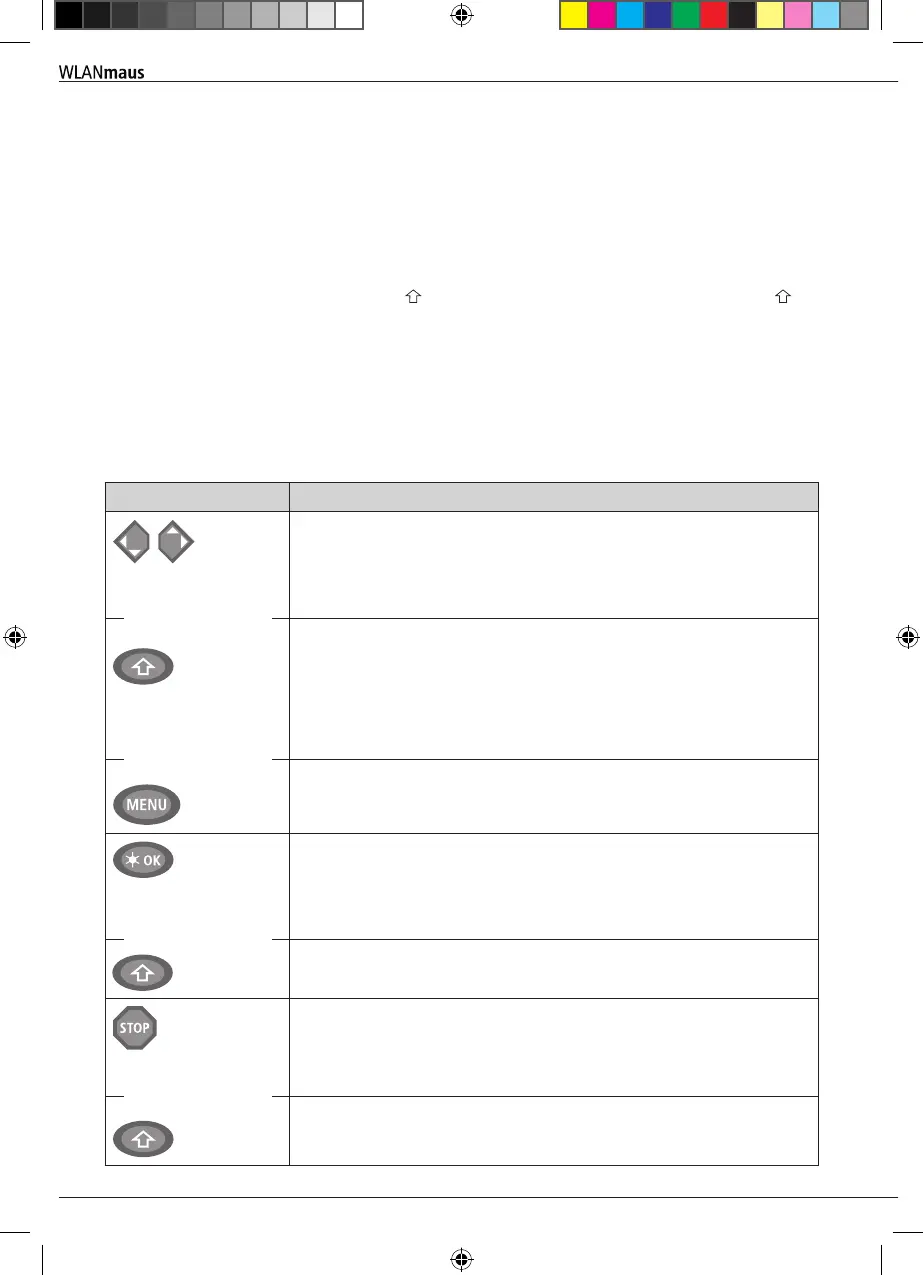
1.4 The Keys
The clear concept of the WLANmaus reduces the number of the keys to an expedient quantity. Functions
needed for ordinary playing can mostly be called by the particular keys. These keys will be shown here.
Please also note g. 1 on page 5.
Notes:
▪
The arrow keys – like all other keys – only have one single function despite having two arrows printed
on them.
▪
When selecting key combinations using -key – same as the MENU-key – and another key, the -key
has to be pressed before any other key – like on a computer keyboard.
▪
All key combinations with the text: “– in combination with –” are of interest to users who want to
utilize the WLANmaus for more than just driving and switching.
Keys Function
Arrrow keys
Shift key
Menu key
▪
Scroll through the locomotive library (library menu)
▪
Search for locomotive addresses (locomotive address mode)
▪
Set the turnout (straight or branch-off, turnout mode)
▪
Scroll through a menu level
In library mode:
▪
Freshly arrange order of locomotives by shifting
In locomotive address mode:
▪
Scroll 100 positions (search functions)
In turnout mode:
▪
Scroll through the turnout numbers (search function)
In locomotive adress mode:
▪
Rearrange speed steps
Light /OK key
Shift
▪
Switching the WLANmaus off
▪
Switch the light on or off (in drive mode)
▪
Conrm inputs (in turnout mode and in the menus)
▪
Call up desired menu level or menu items
In locomotive address mode:
▪
Select another locomotive by directly inputting an locomotive address
Stop key
Shift key
In drive mode:
▪
Emergency stop on entire system
In menu mode
▪
Return from the respective menu level
In drive mode:
▪
Selective emergency stop for the locomotive selected and displayed
in combination with
in combination with
in combination with
in combination with
Basic
8010813920.indd 42 13.07.2017 10:27:45


 To Next Page
 Loading...
