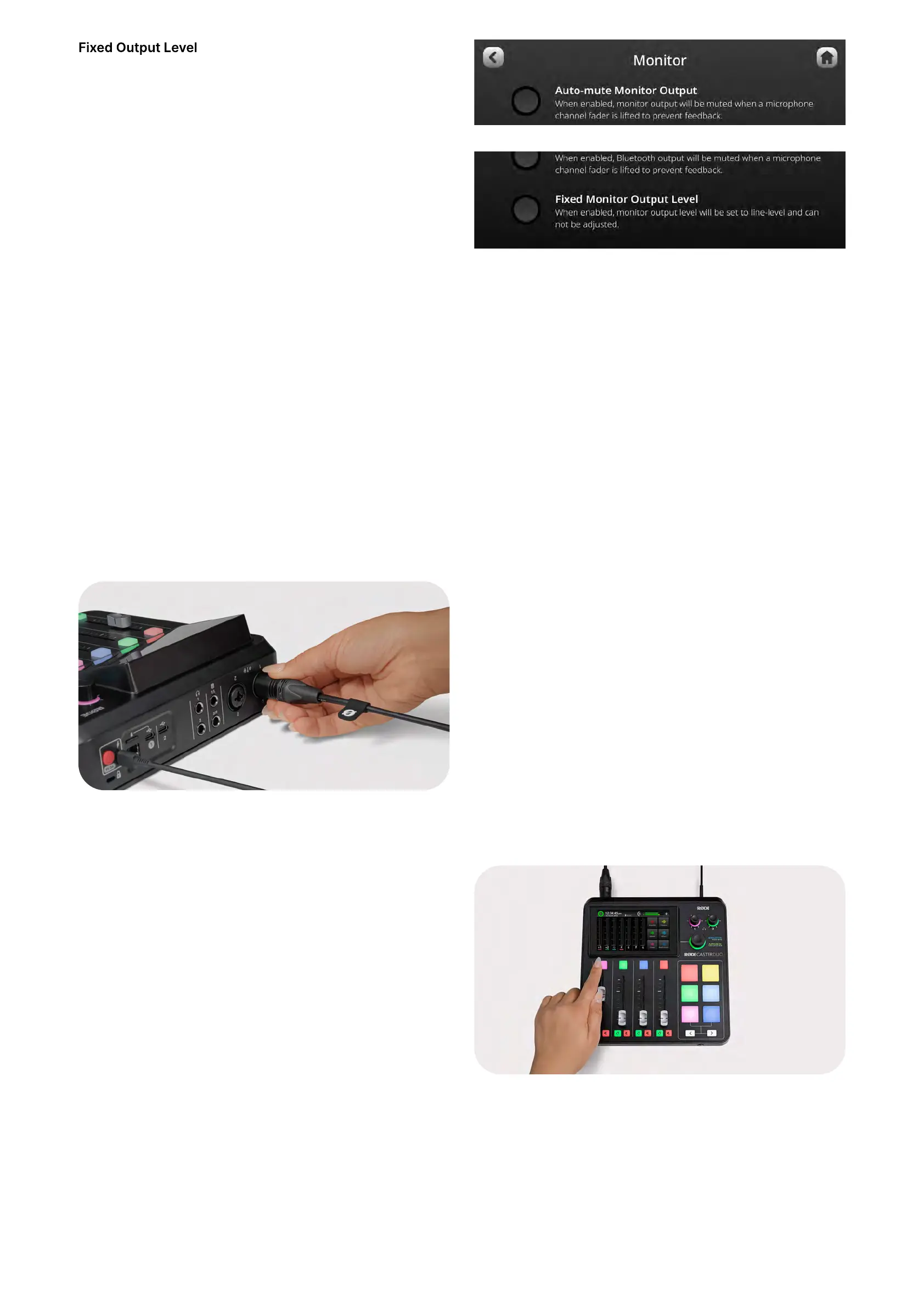
When enabled, the monitor output level will be set to line-
level and cannot be adjusted. This is useful if you are using
the monitor outputs to send audio to outboard equipment,
such as broadcast or livestreaming equipment, and want to
ensure that your levels aren’t too high or low.
Connecting Microphones, Instruments and Other Devices
The RØDECaster Duo features a pair of high-quality Neutrik™ combo jacks for plugging in microphones, instruments (such as
guitars and basses), and line-level devices like keyboards and drum machines. In this section, we’ll show you how to connect
these devices and get them set up for recording.
Connecting Microphones
To start, plug your microphone into input 1 on the back of
the unit using a standard 3-pin XLR cable. You can use any
XLR microphone with the RØDECaster Duo, including
condenser microphones that require phantom power USB
microphones cannot be used with the RØDECaster Duo).
By default, inputs 1 and 2 will be allocated to faders 1 and 2
on the mixer. Ensuring that fader 1 is all the way down, also
plug a pair of headphones into headphone channel 1 so you
will be able to monitor your audio.
Microphone Basic Setup
To access the channel setup screen for fader 1, press the
coloured button above the physical fader or tap the fader
on the screen. Here you can select what type of
microphone you are using, which will adjust the level,
voicing and activate phantom power (if required). If your
microphone does not appear in the “mic locker” menu,
select the universal dynamic or condenser option. You can
also manually turn phantom power on and off.
RØDECaster Duo / Getting Started With The RØDECaster Duo
RØDECaster Duo | How to Get Started With the RØDECaster Duo | RØDE
https://rode.com/en/user-guides/rodecaster-duo/how-to-get-started-with-the-rodecaster-duo
4 van 7


 To Next Page